Where plugins appear
A plugin shows in a store through targets: named places in the store dashboard and the shop. plugin.json lists the targets it uses in extensionPoints, each with the address Orbit loads there:
{
  "extensionPoints": [
    { "target": "dashboard.main.embed", "url": "/embed", "label": "My plugin" },
    { "target": "dashboard.product-details.block", "url": "/product-card", "label": "Product card" }
  ]
}
npx @orbitcommerce/plugin-cli targets lists the same targets, and npx orbit-plugin validate refuses one that does not exist. Each section below shows where a target appears, with a picture taken from a real store.
How to read the pictures
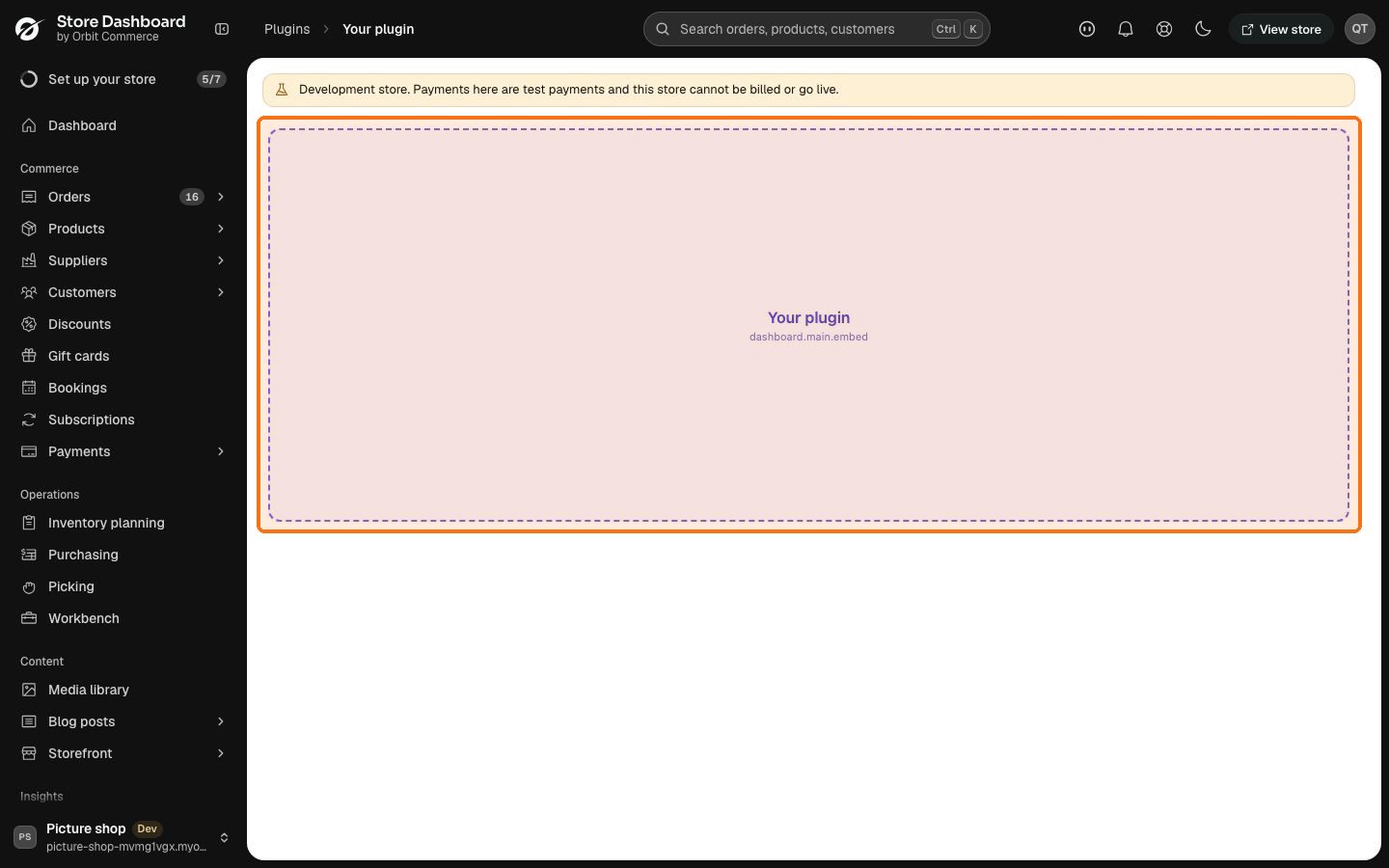
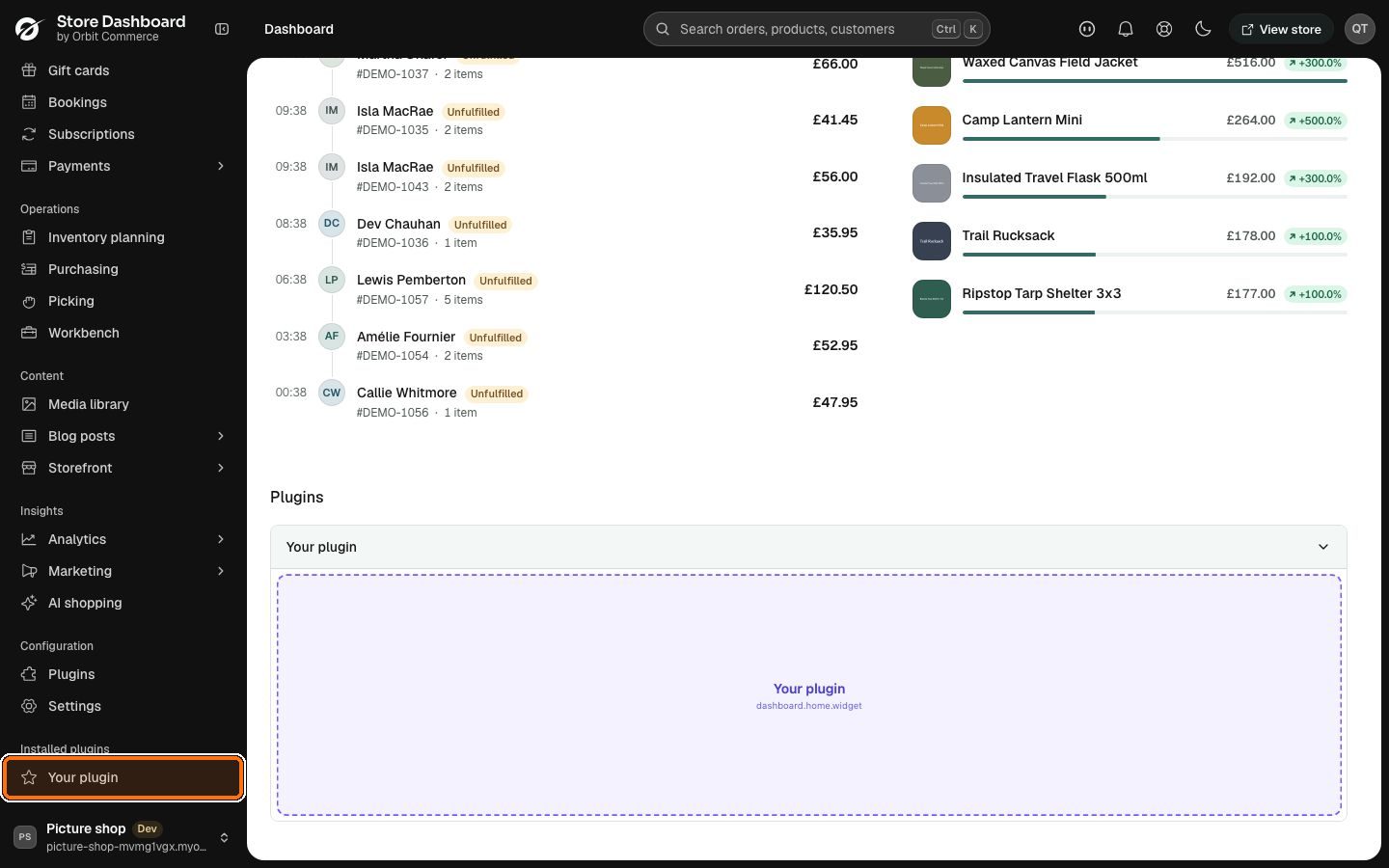
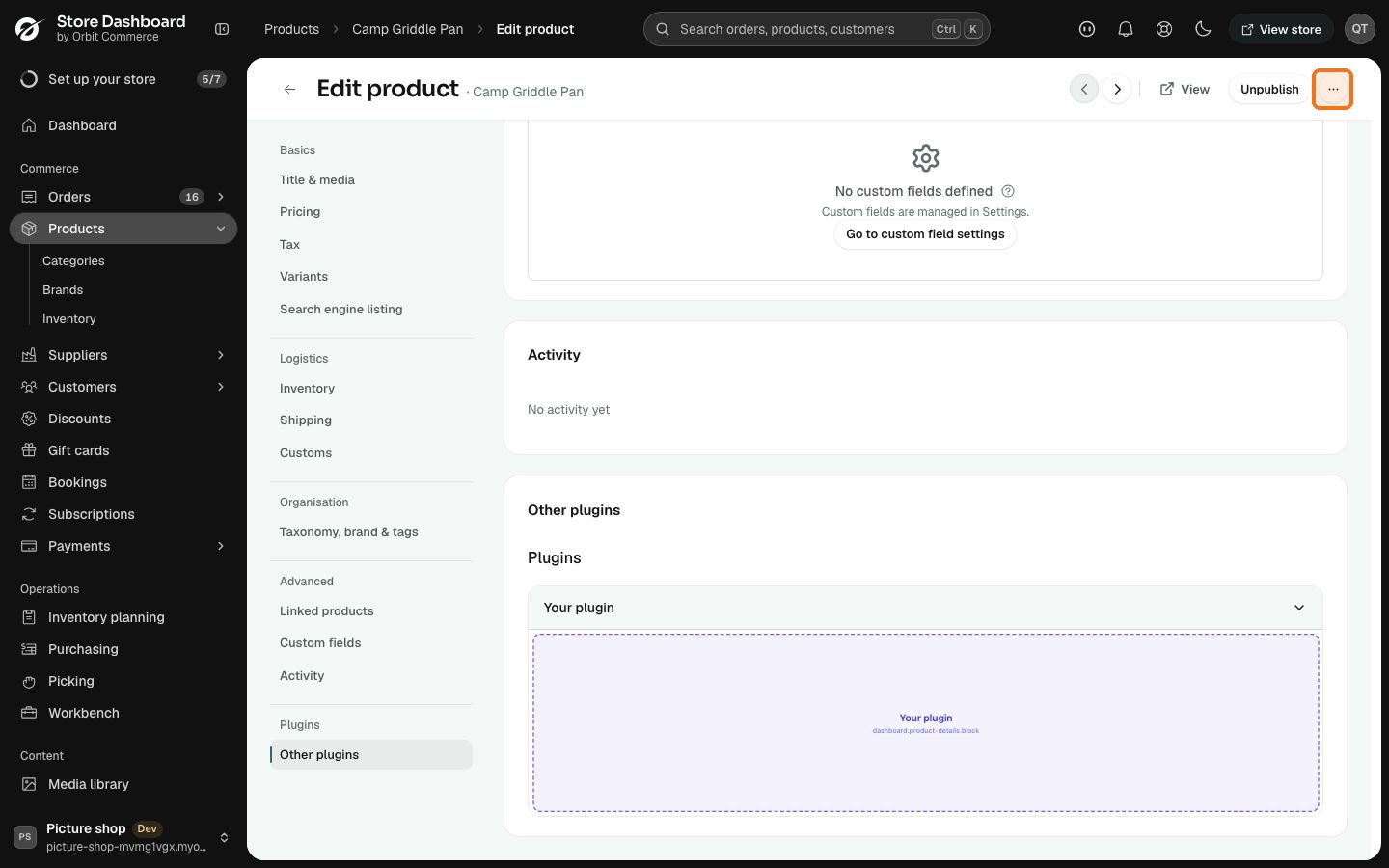
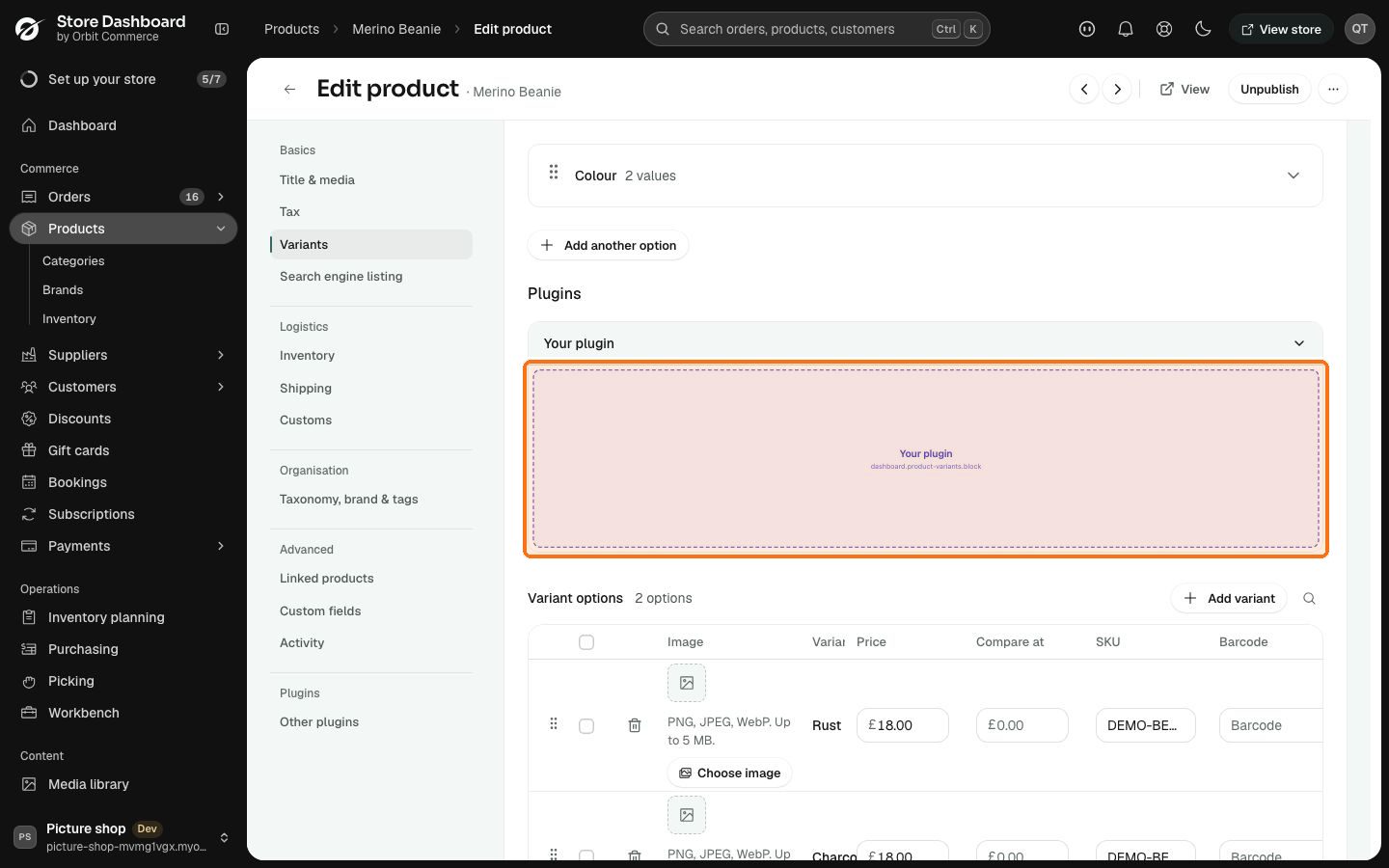
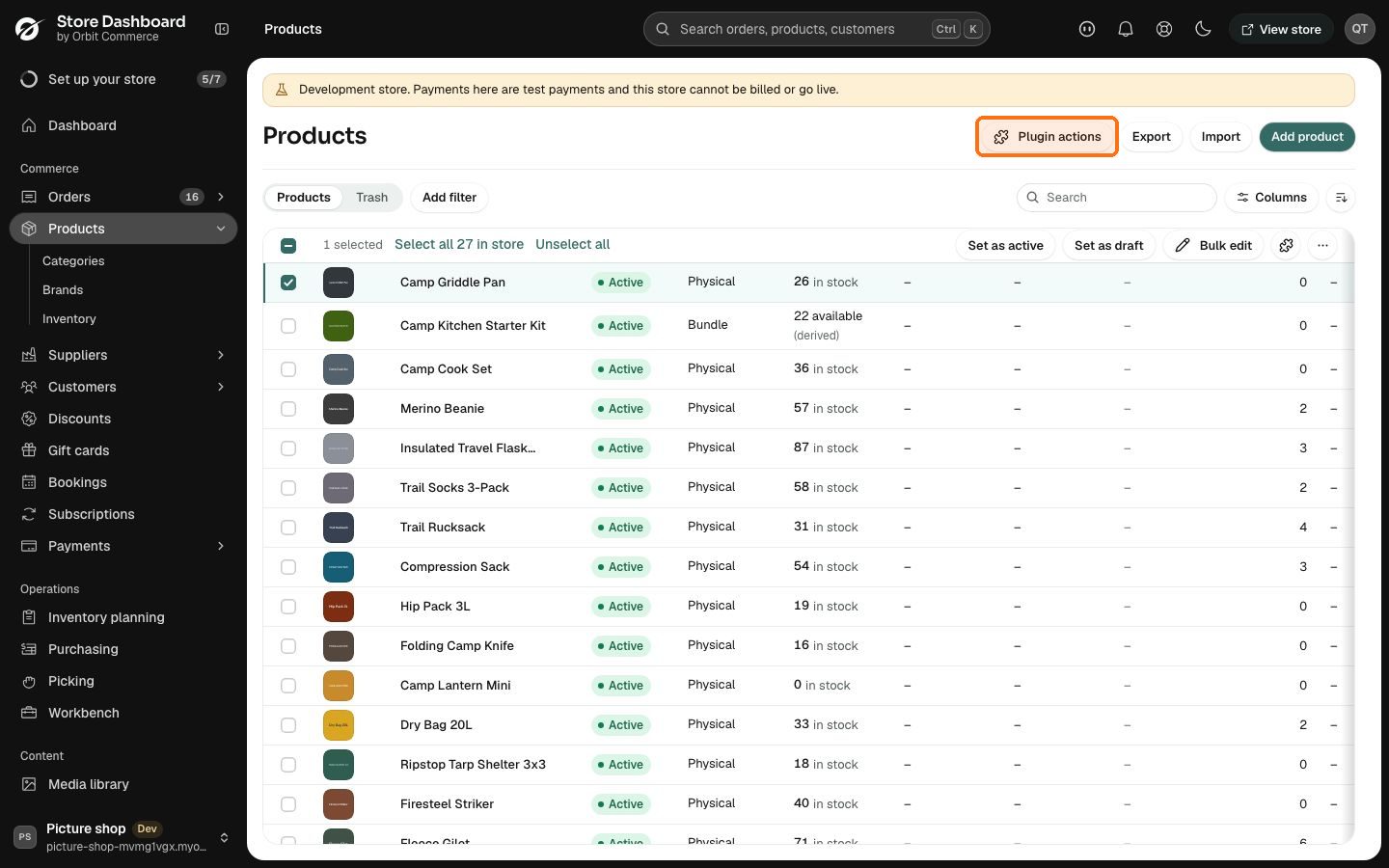
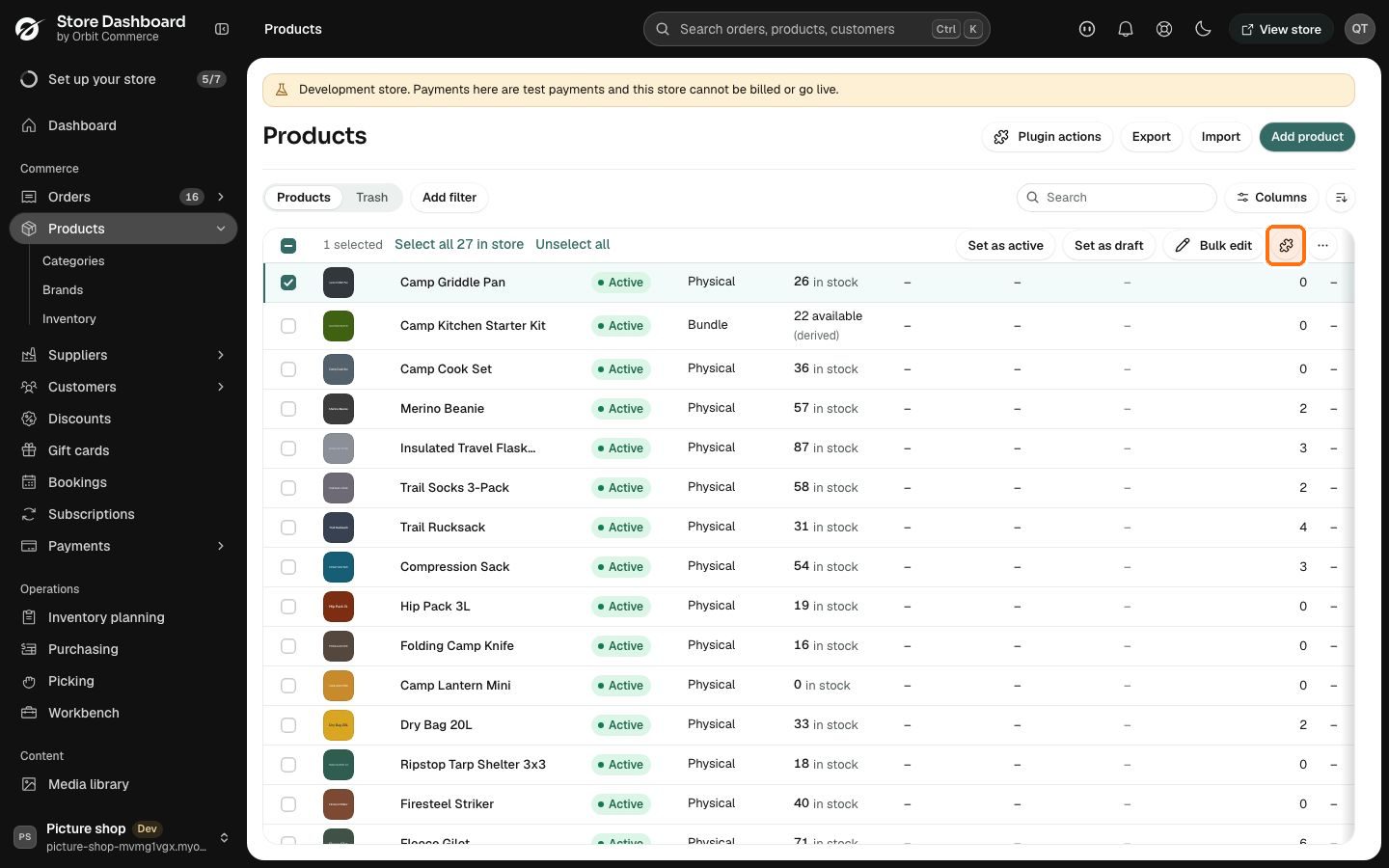
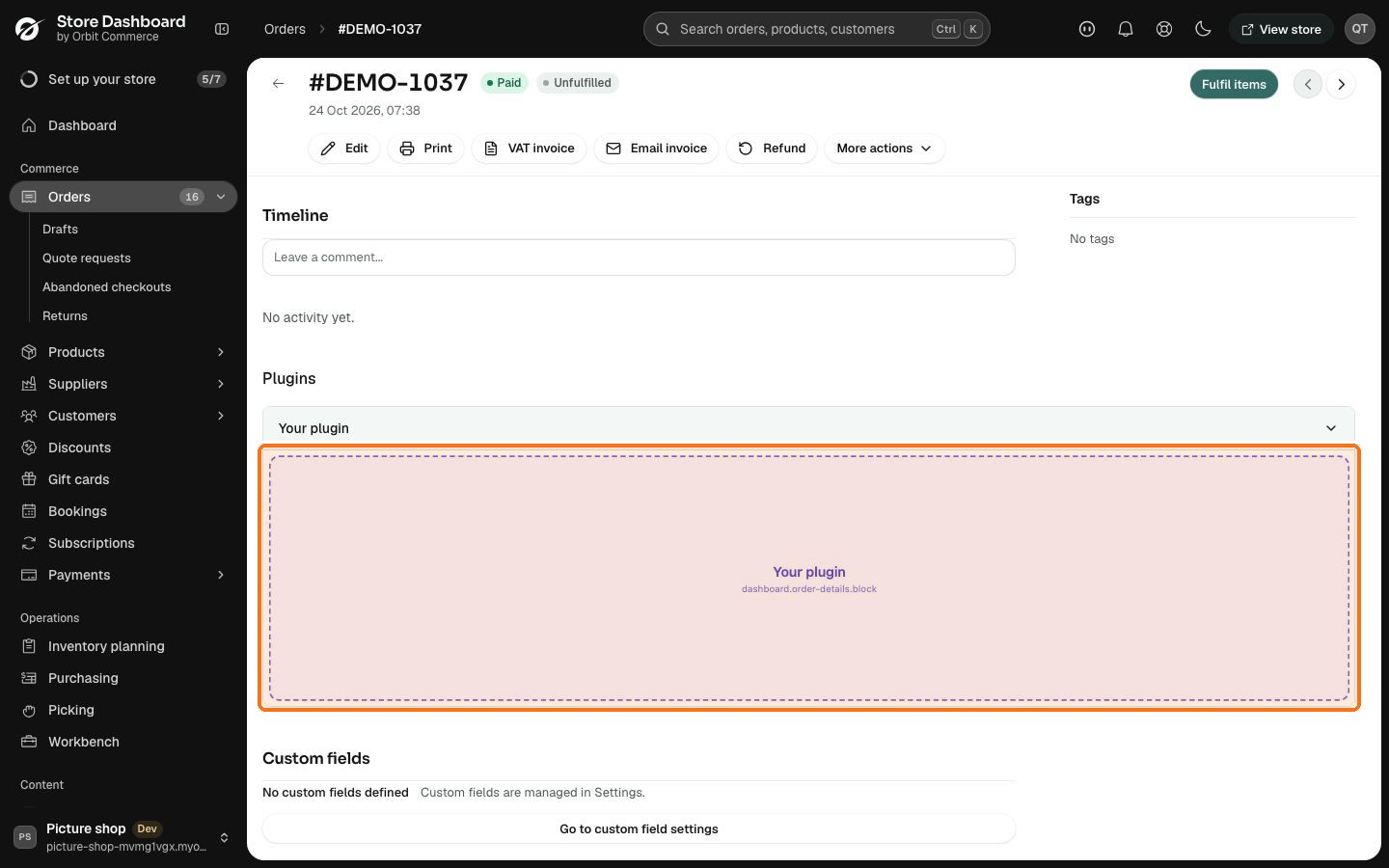
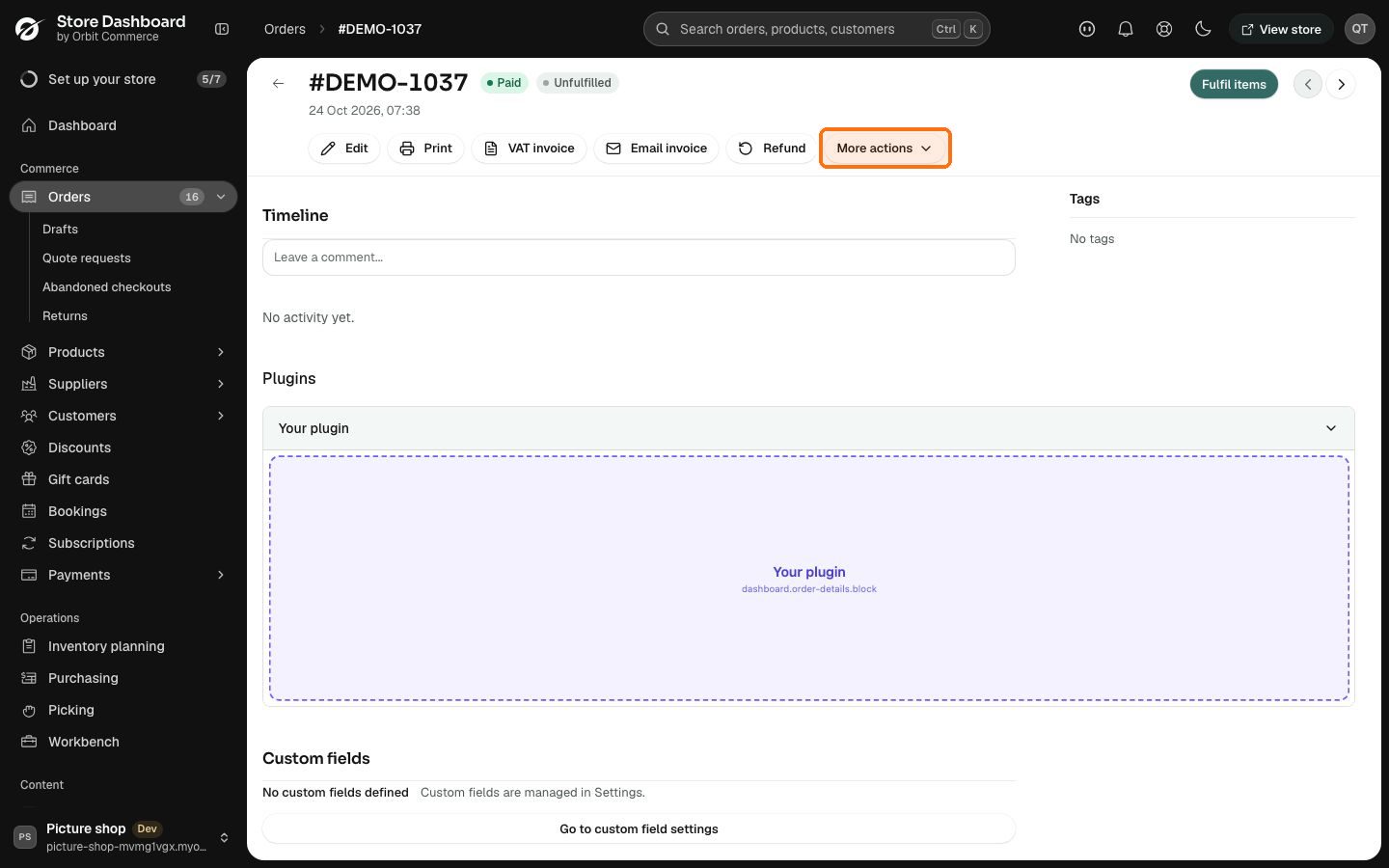
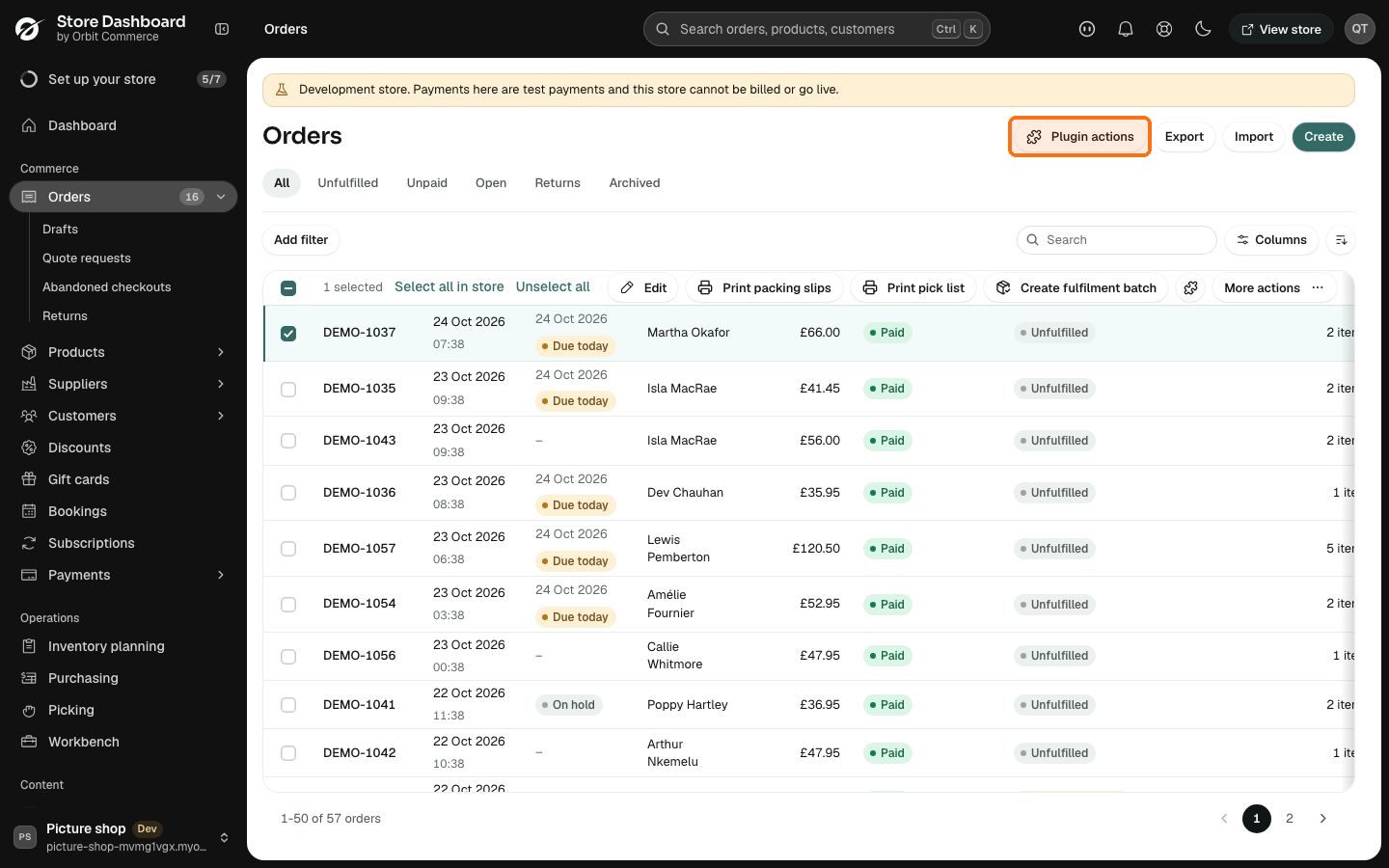
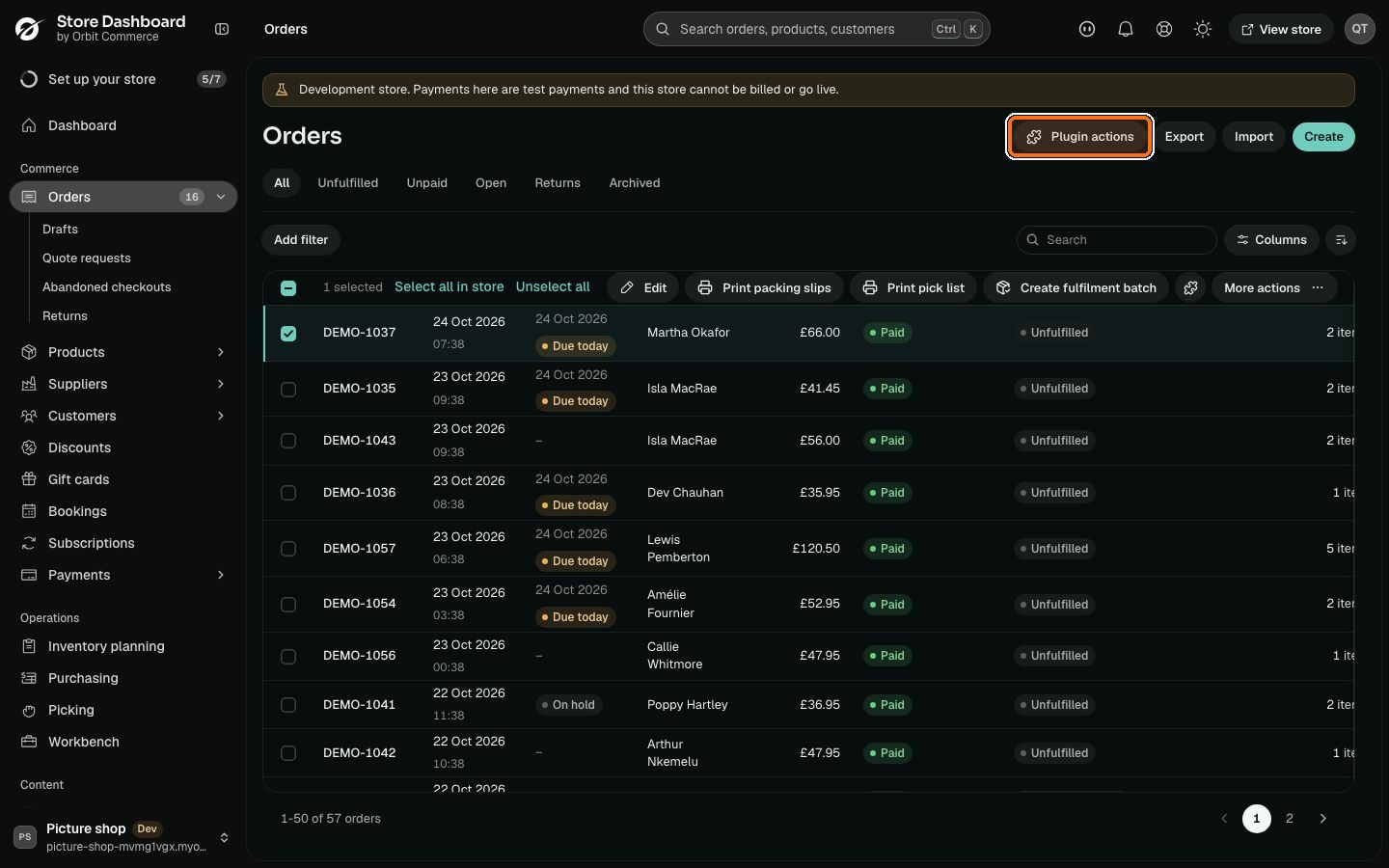
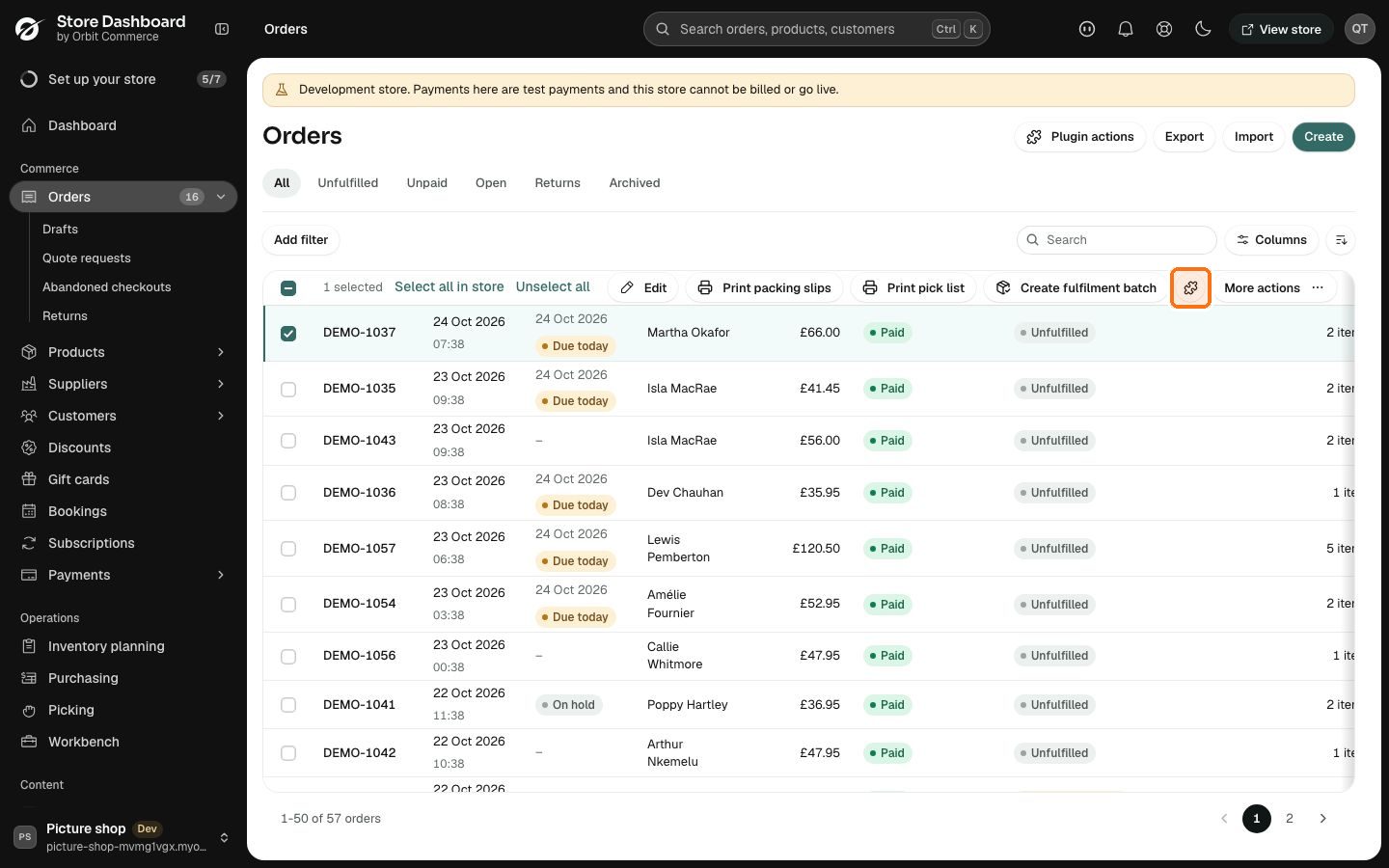
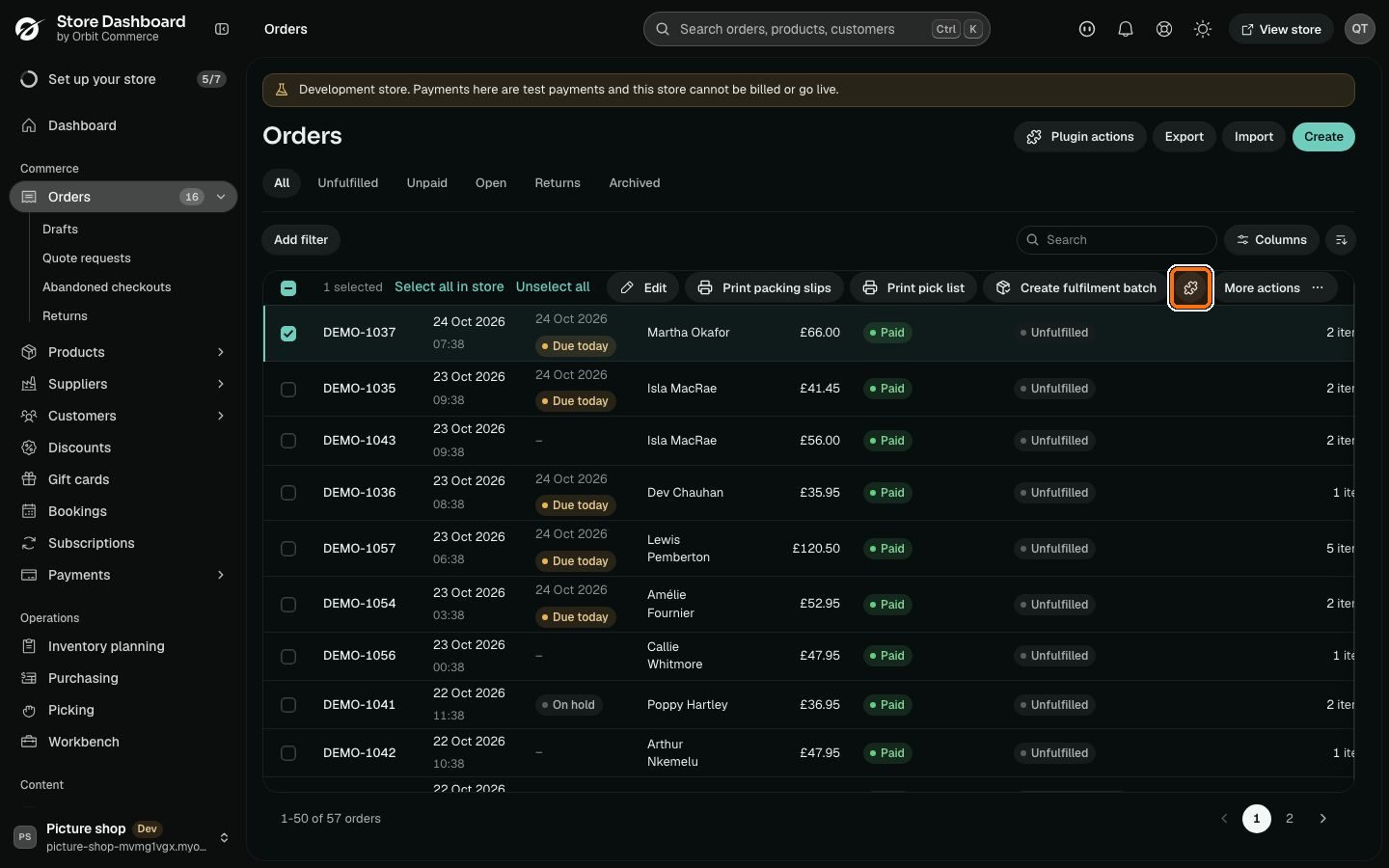
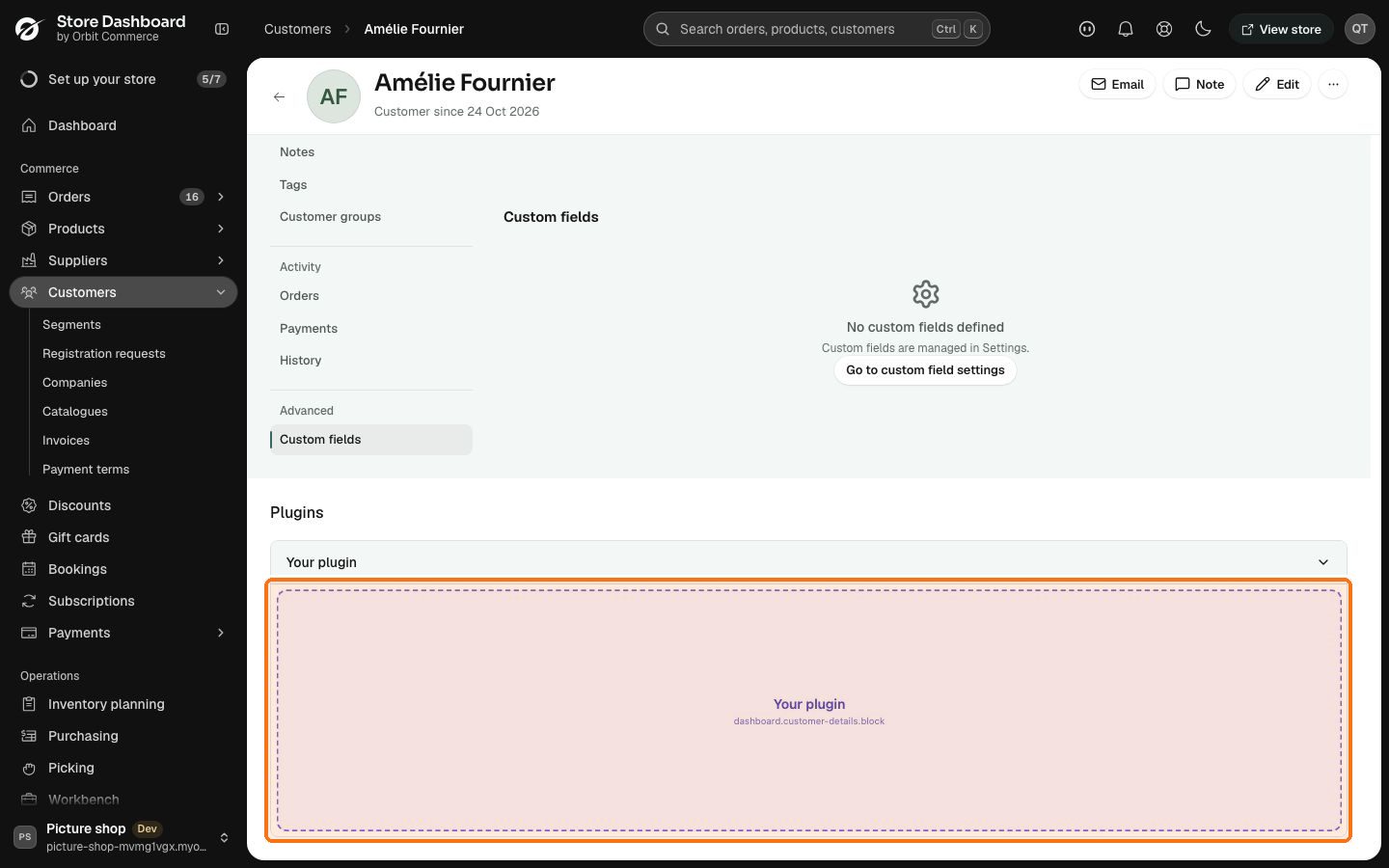
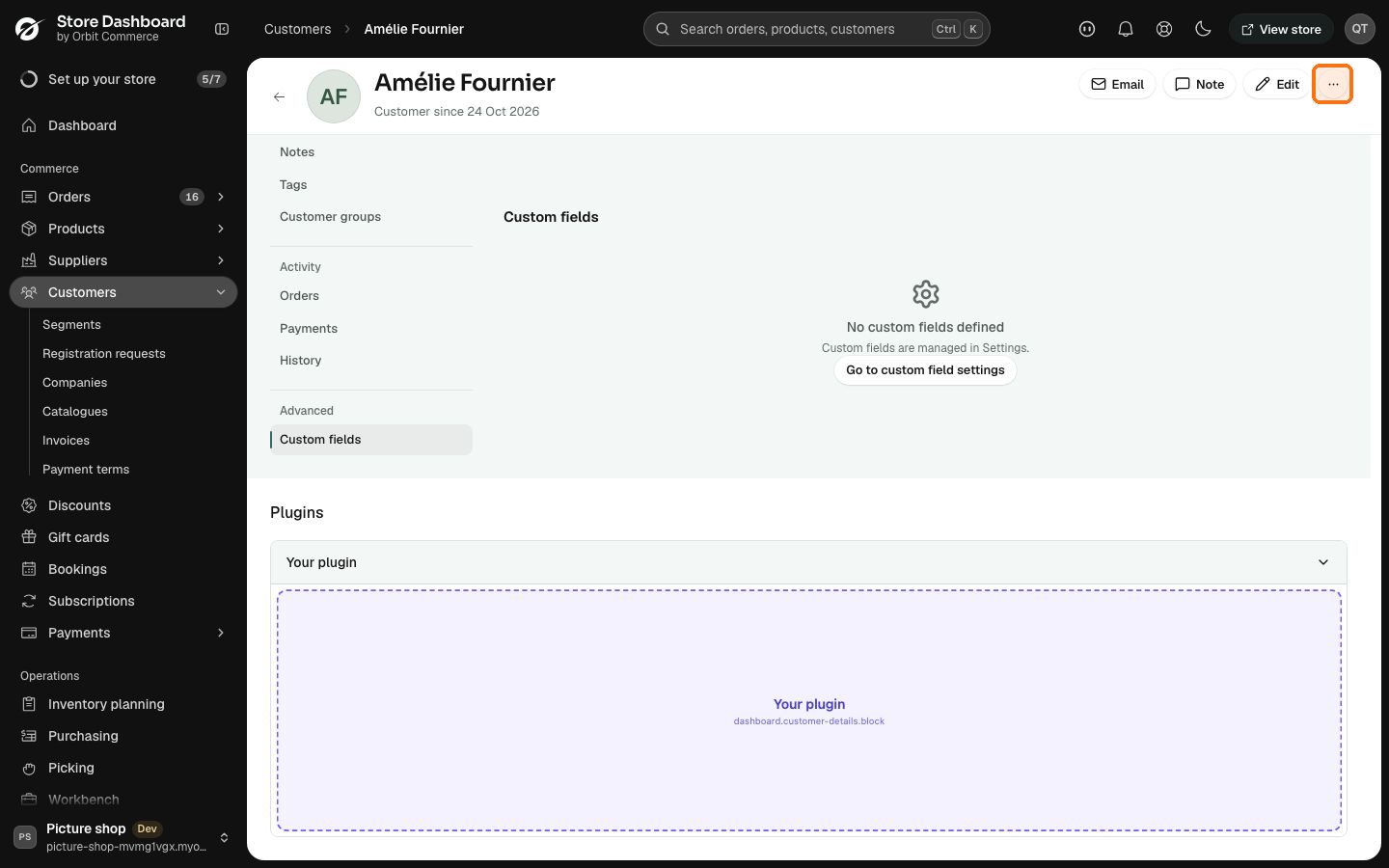
- The orange outline marks the target. A solid outline is where Orbit draws your plugin. A dashed outline is a typical place: the merchant decides where a block they place themselves goes.
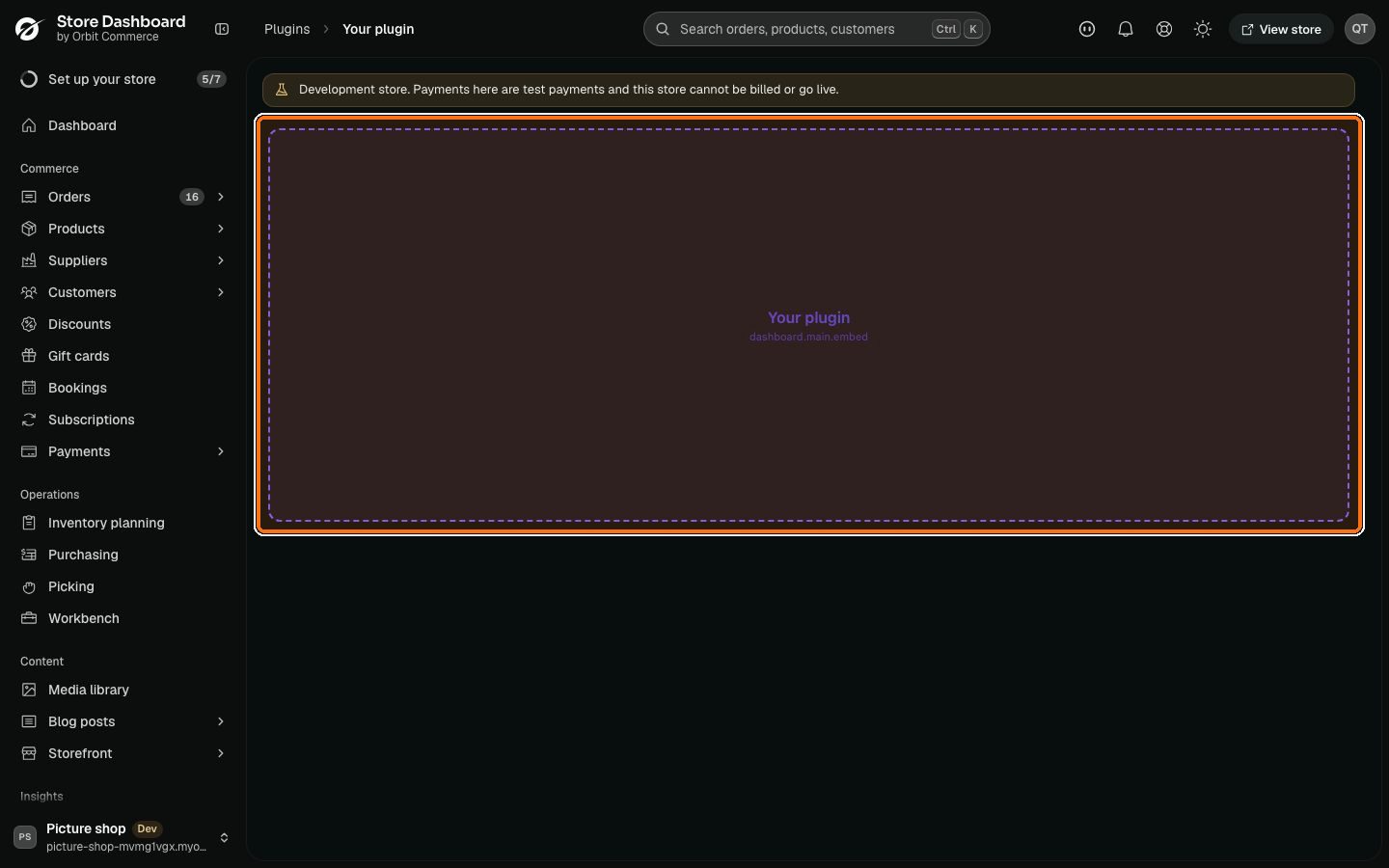
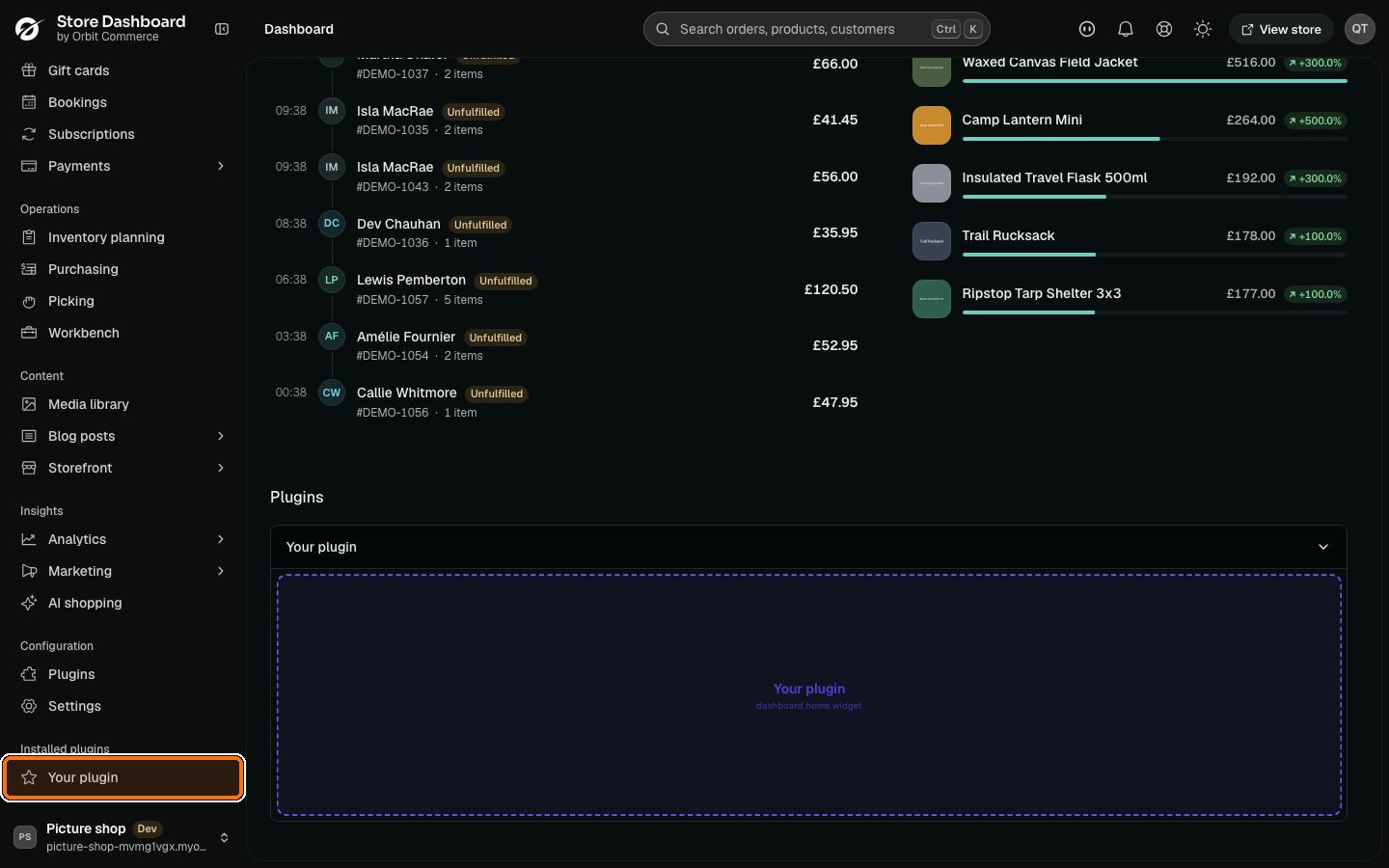
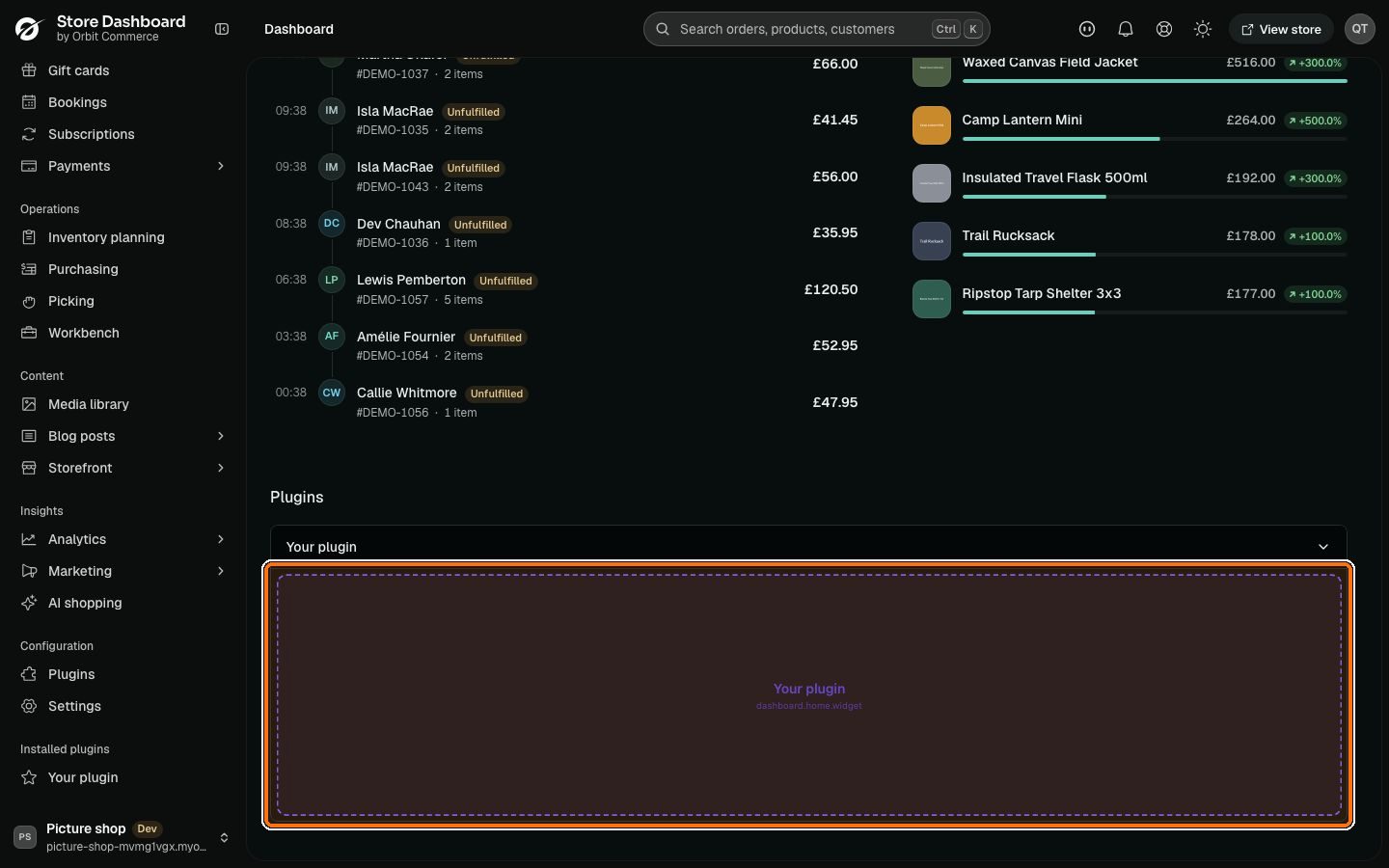
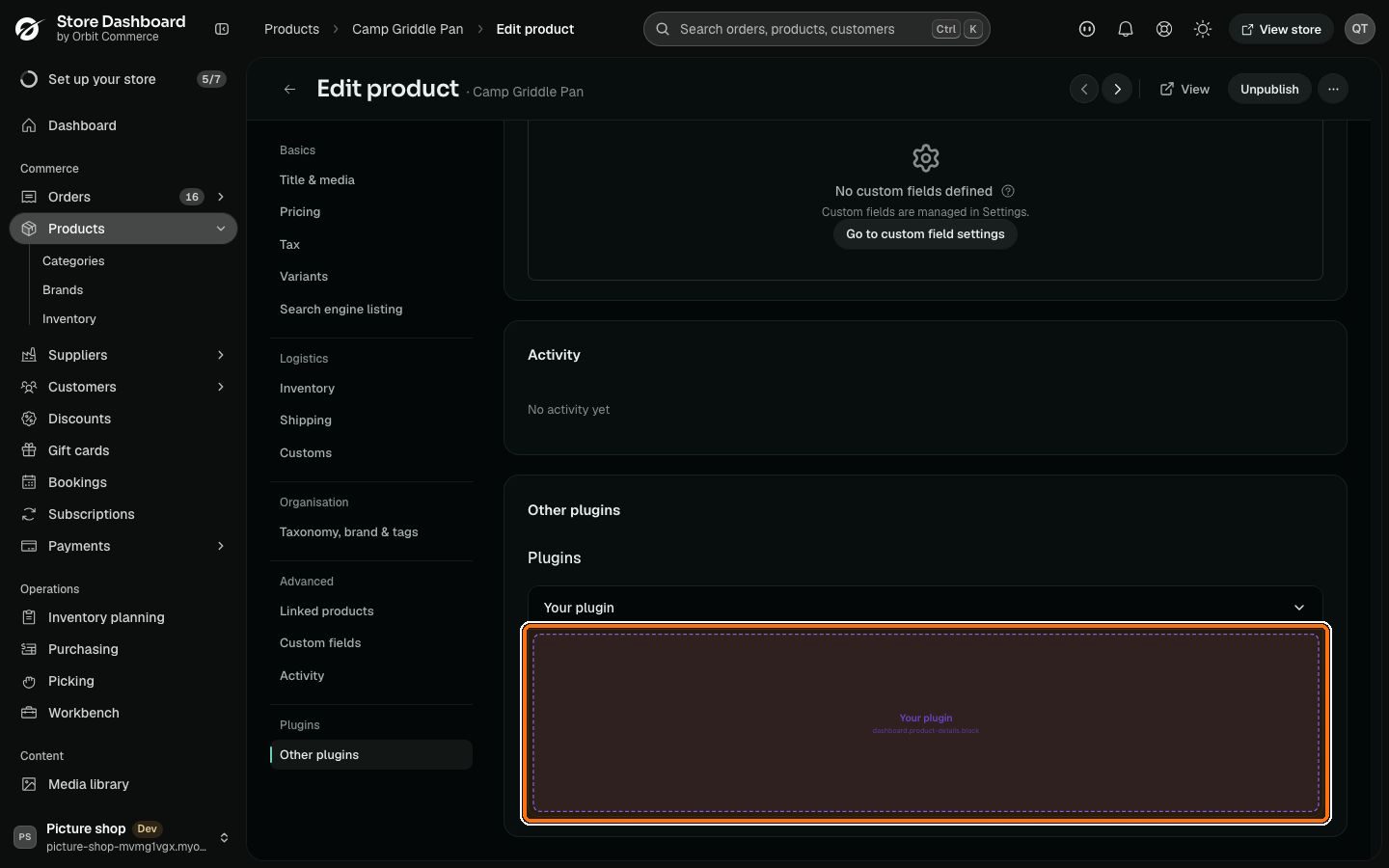
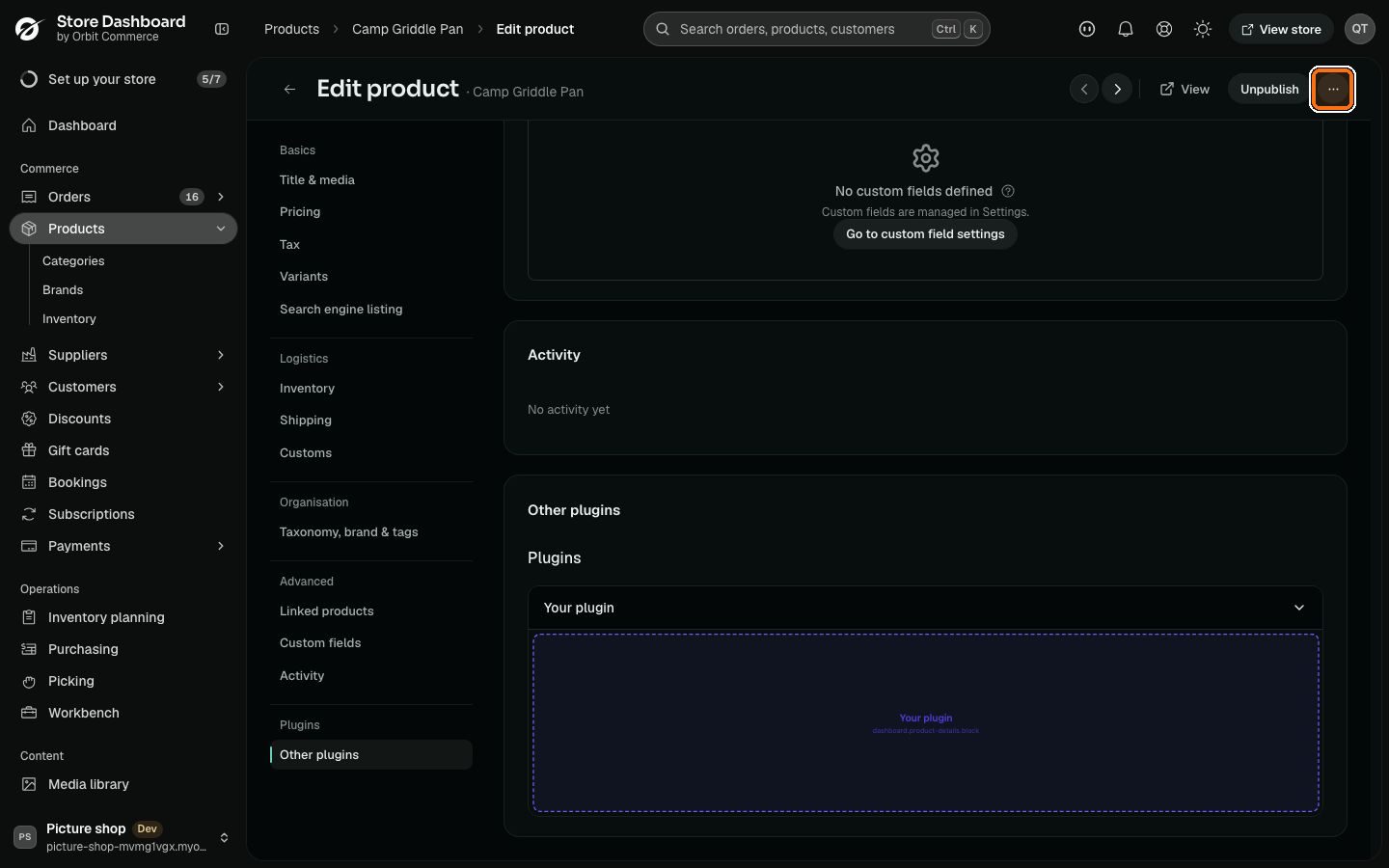
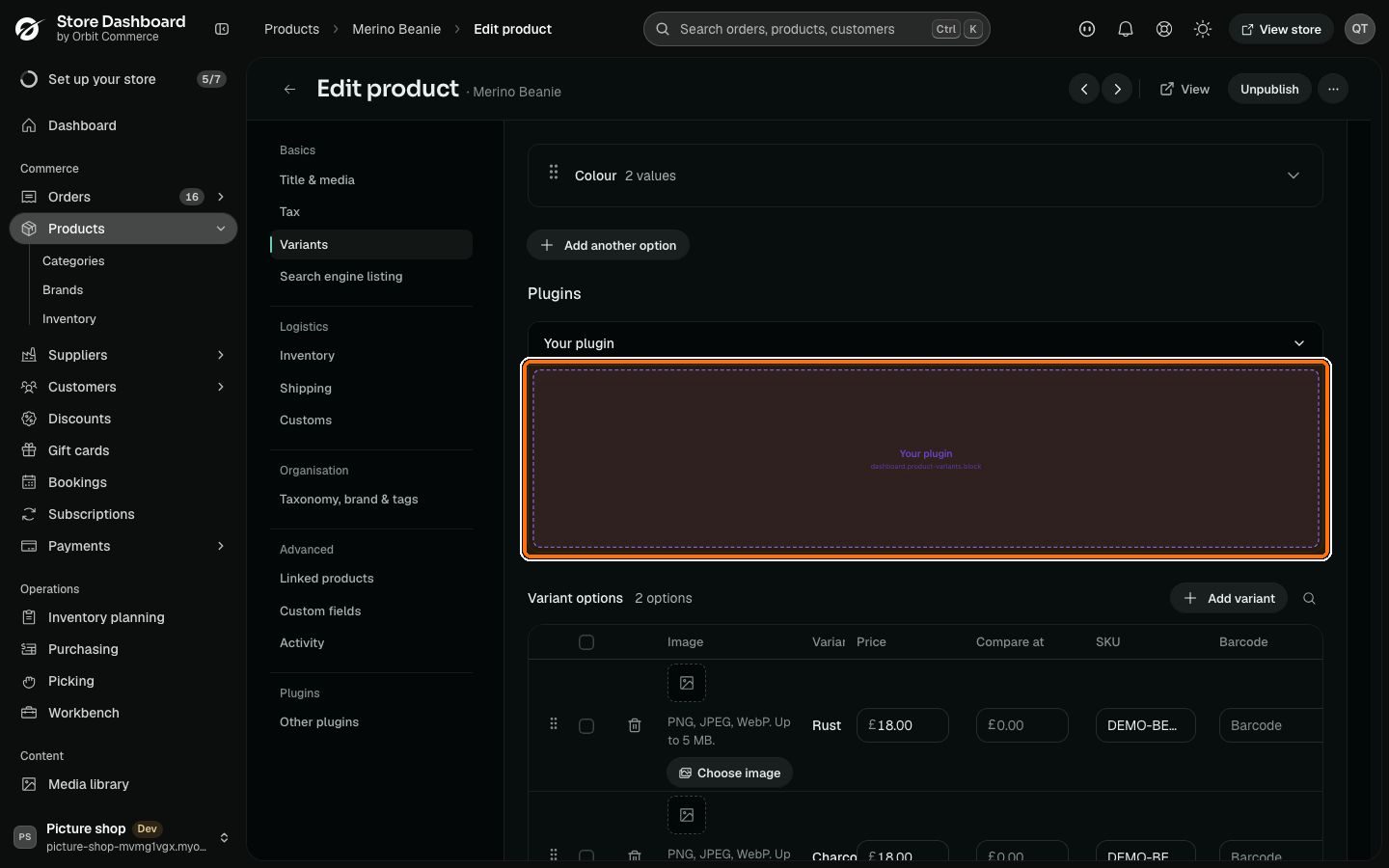
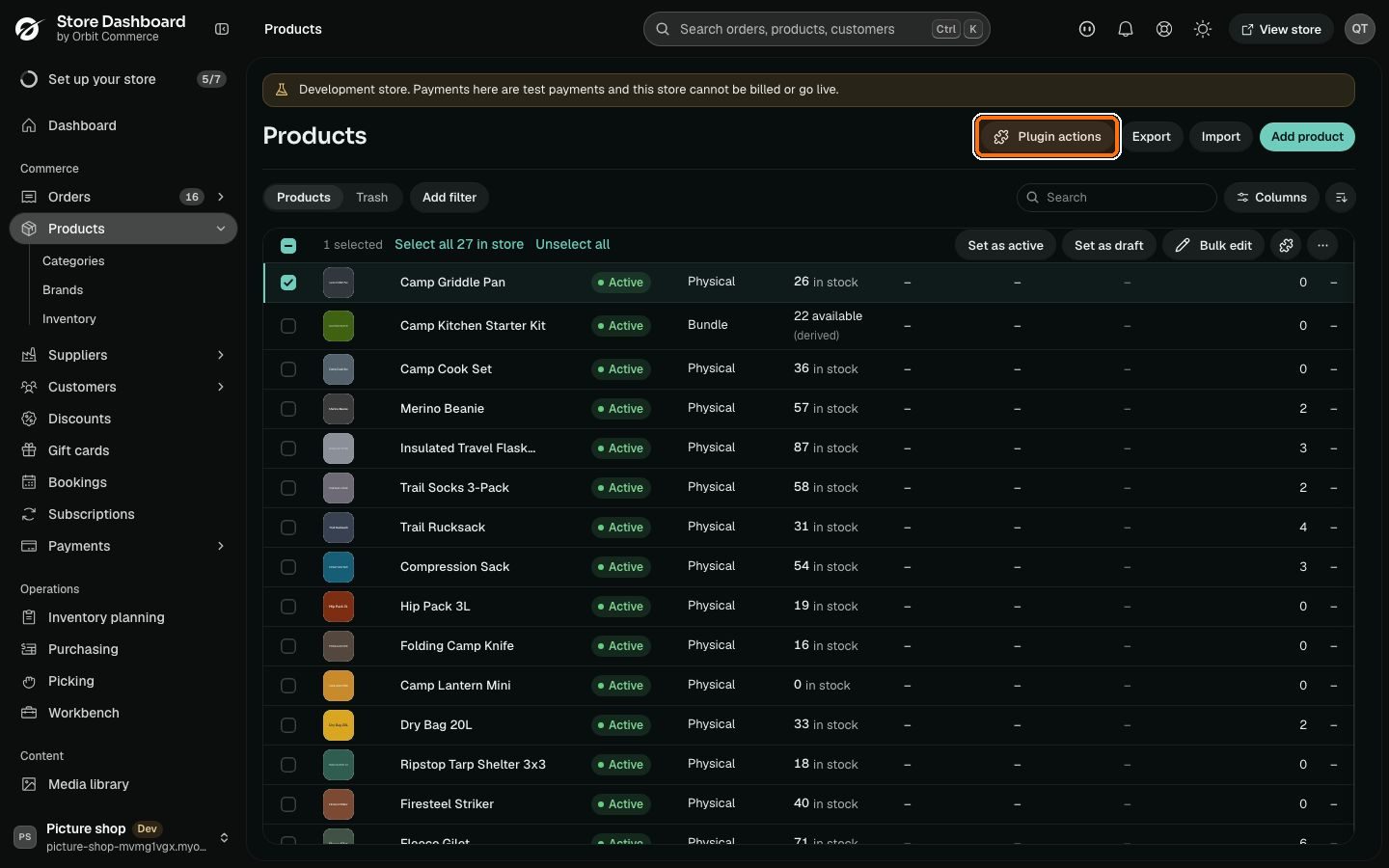
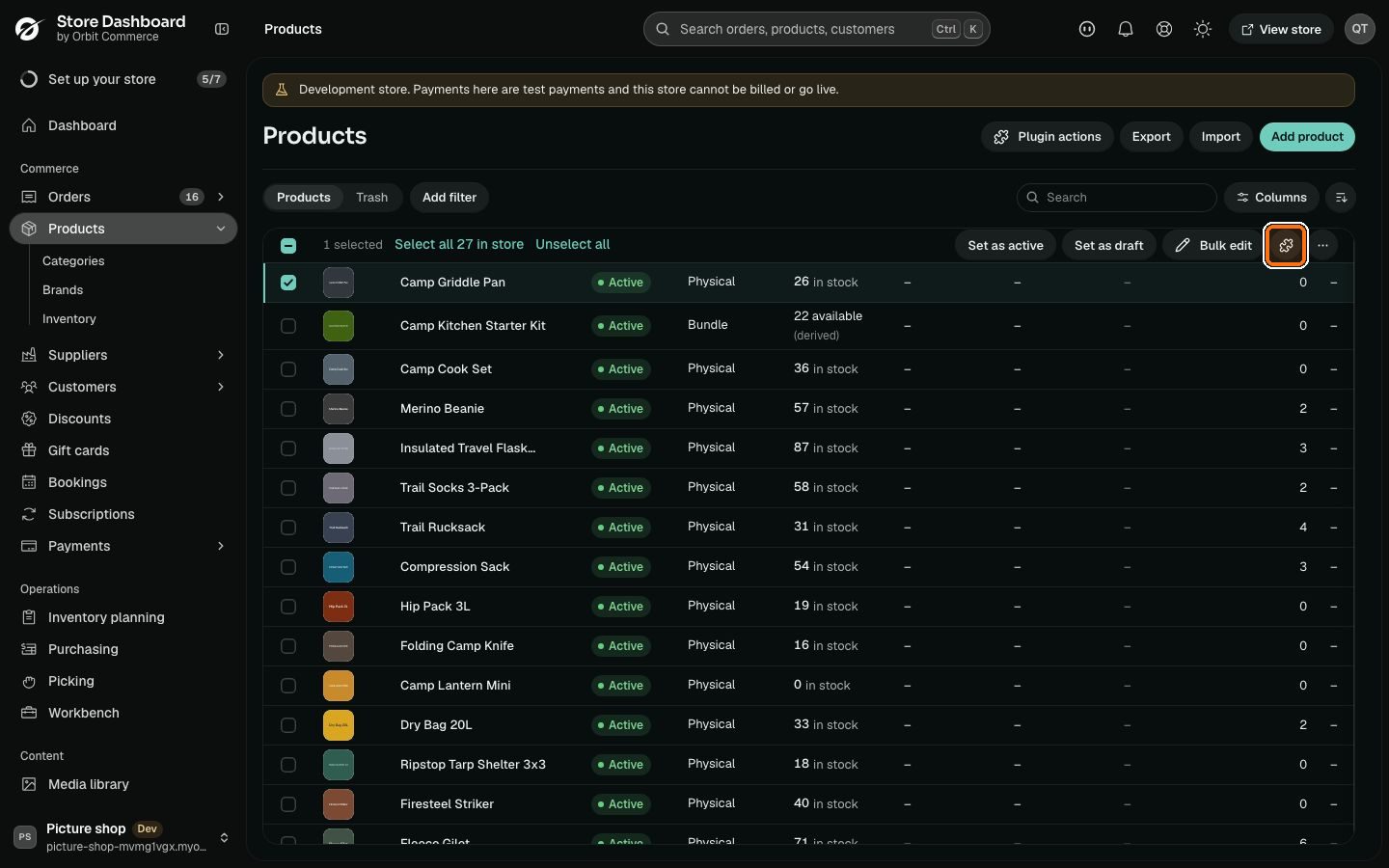
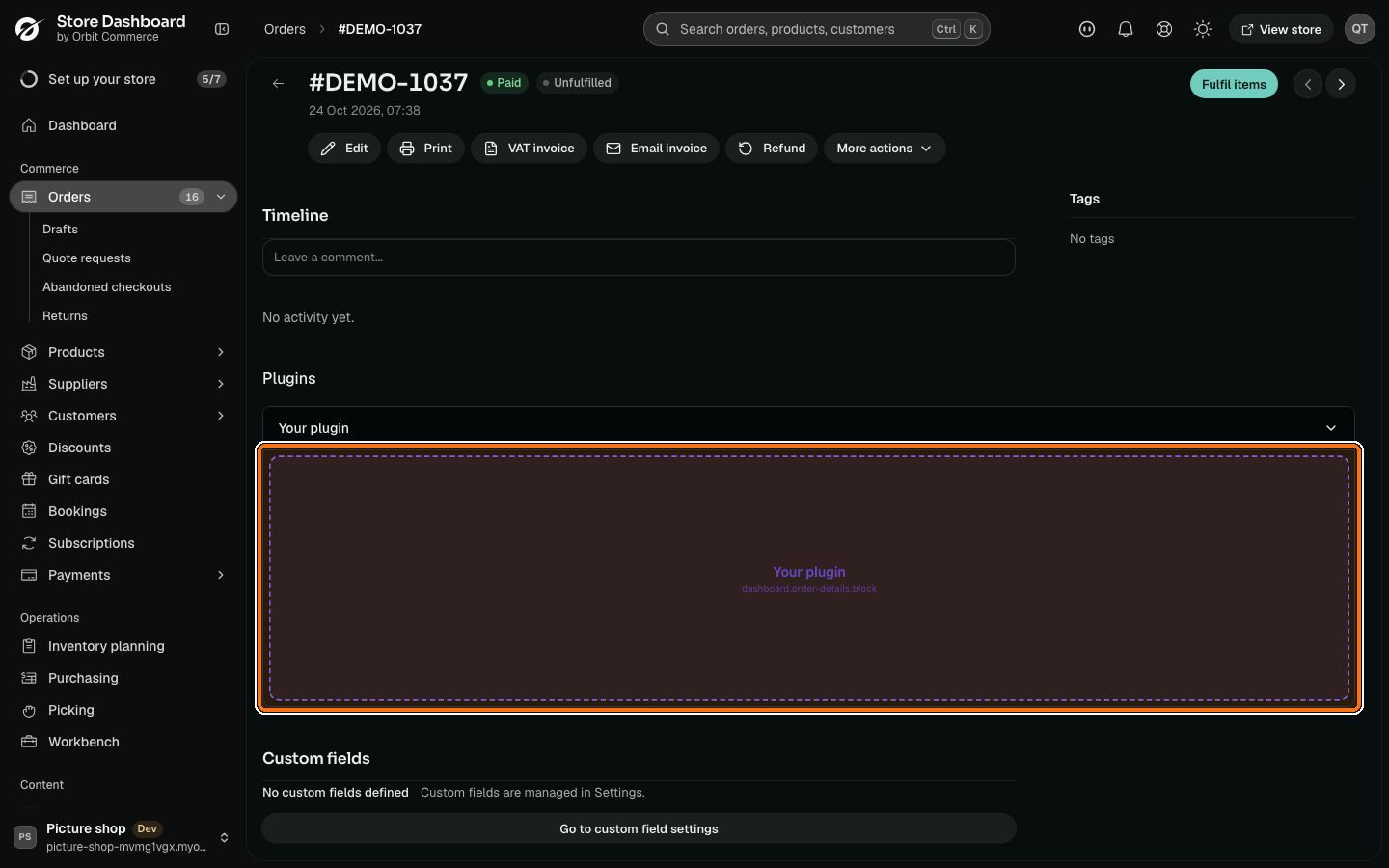
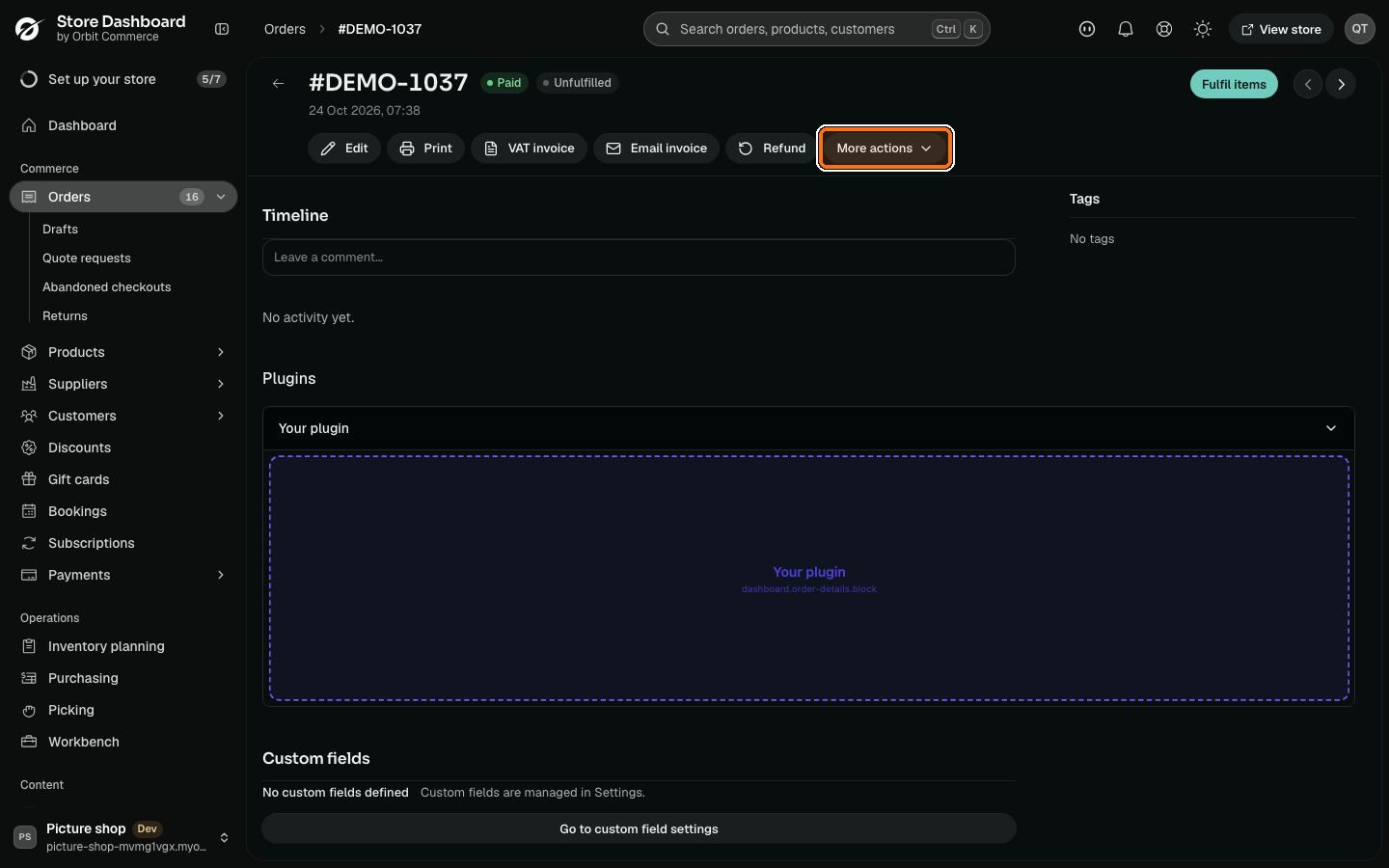
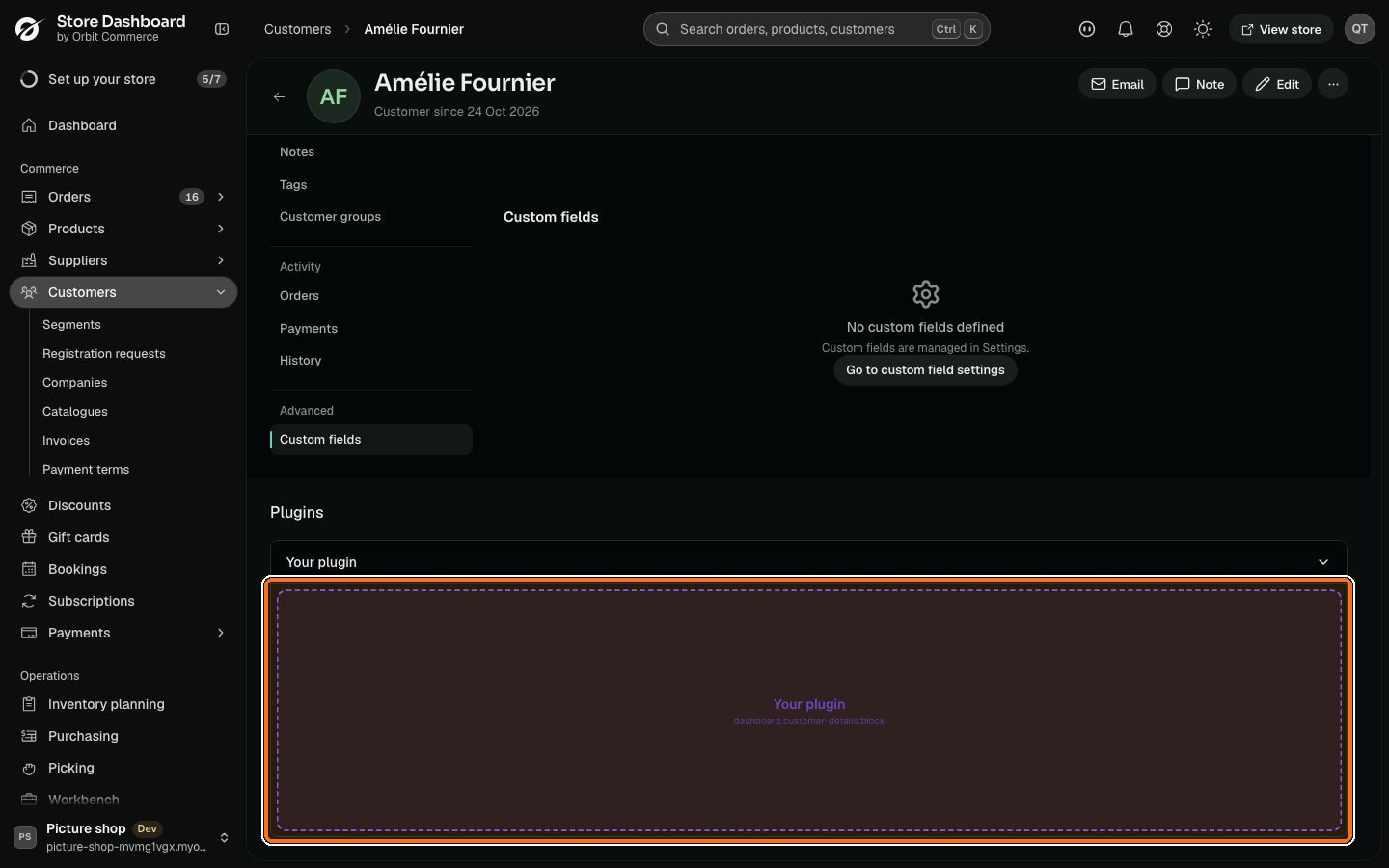
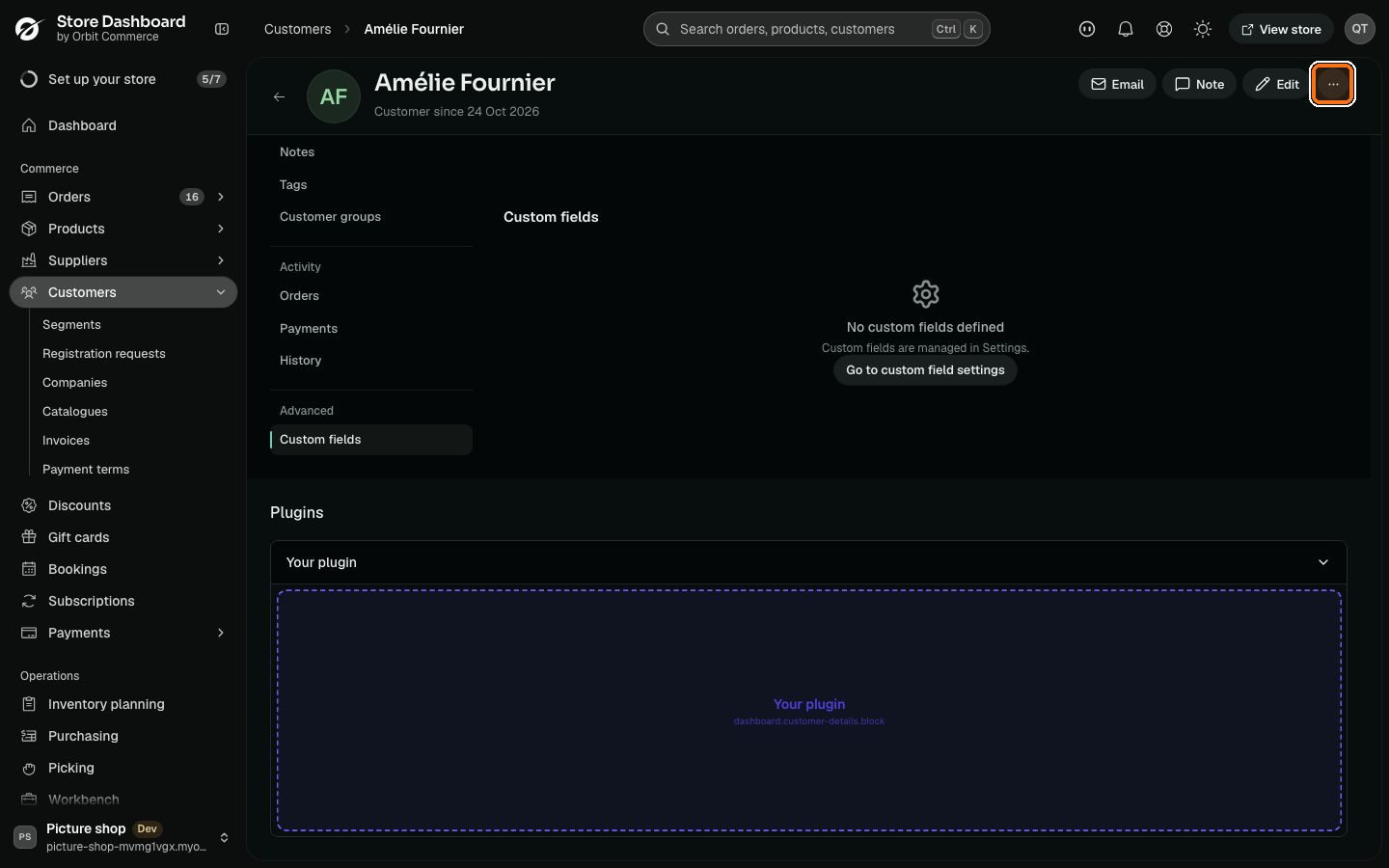
- Store dashboard pictures come in light and dark; the light one is shown, and the link under it opens the dark one.
- In the address lists the values Orbit adds to your page's address as query parameters. A shop page gets no token message, so its context arrives in the address. Treat any value in an address as a hint: in the shop, nothing in the address is verified.
- In the token message lists the context a dashboard page receives with its session token. Values such as selected ids arrive only there; Context in the store dashboard shows how to read them.
- Placeable targets are added by the merchant in the page builder; the rest appear by themselves while your plugin is installed and active.
- A block grows and shrinks with your content when you report its height; see Looking like Orbit for the dashboard and Storefront widgets for the shop.
Context in the store dashboard
A dashboard page gets its context in two places.
- The address. Orbit adds
storeIdandtheme(lightordark) to every dashboard address, andresourceTypeandresourceIdwhere the target has them.orbit.getResourceContext()from@orbitcommerce/sdkreadsresourceType,resourceIdandstoreIdfrom the address, and returnsnullwhen there is noresourceId. - The token message. When your page posts
ORBIT_PLUGIN_READYto the dashboard (OrbitClientdoes this for you), the dashboard answers with anORBIT_SESSION_TOKENmessage, and it sendsORBIT_TOKEN_REFRESHbefore the token expires. Both are{ type, payload: { token, expiresIn, expiresAt, storeId, context } }.payload.contextis the target's full context, and the only placeselectedIds,selectedCount,truncatedandoptionIdsarrive.
The SDK does not expose payload.context, so read it with a listener of your own that accepts only the dashboard window:
// The dashboard's origin: the page that framed yours, read on the first load.
const dashboardOrigin = new URL(document.referrer).origin;

window.addEventListener('message', (event) => {
  if (event.source !== window.parent || event.origin !== dashboardOrigin) return;
  const { type, payload } = event.data ?? {};
  if (type !== 'ORBIT_SESSION_TOKEN' && type !== 'ORBIT_TOKEN_REFRESH') return;
  const context = payload?.context ?? {};
  // A bulk action reads context.selectedIds, context.selectedCount and context.truncated.
});
A bulk action receives at most 10,000 ids. When the merchant selects more, truncated is true and selectedCount is the real number selected.
The store dashboard
The plugin's own page
dashboard.main.embed: a page. Your plugin's main page in the store dashboard: the primary entry point for your plugin UI. Merchants open it from your menu item.
| Detail | Value |
|---|---|
| In the address | storeId, theme, pluginId, apiUrl |
| In the token message | storeId |
Needs a handle | No |
| Placeable | No |
| Starter that shows it | Every starter (its Overview, Settings and Events tabs). |
The menu item
dashboard.sidebar.menu: a menu item. The item in the store dashboard's sidebar that opens your plugin's page. You do not declare it as an extension point: it comes from ui.menu in plugin.json (label, icon, and optionally position, parent and items, the pages listed under your entry; see Sidebar sub-pages).
| Detail | Value |
|---|---|
| Context | None |
Needs a handle | No |
| Placeable | No |
| Declared in | ui.menu, not extensionPoints |
| Starter that shows it | Every starter (ui.menu). |
Dashboard home widget
dashboard.home.widget: a block. A summary block on the store dashboard's home page, typically sync status or key numbers.
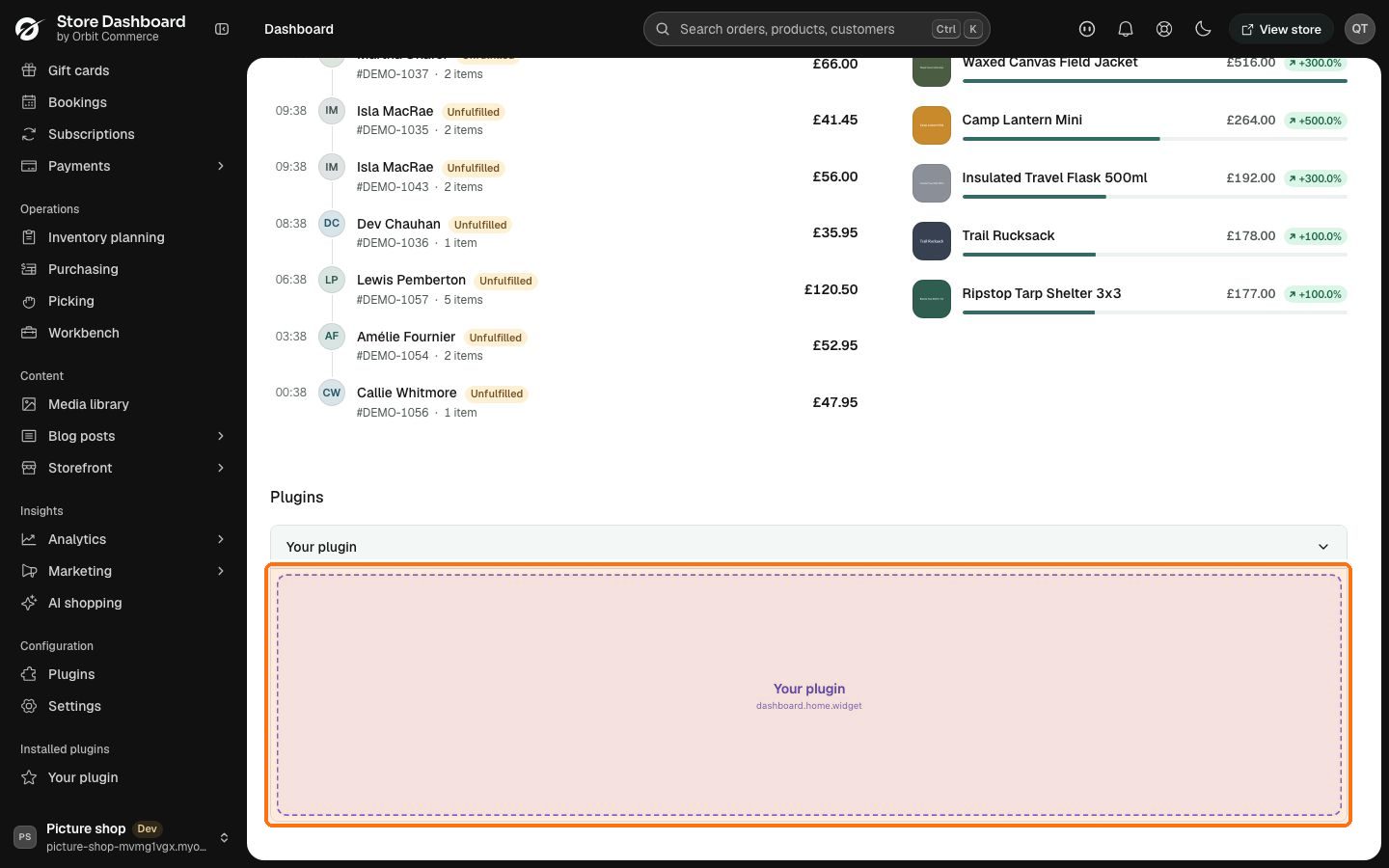
| Detail | Value |
|---|---|
| In the address | storeId, theme, resourceType (always dashboard) |
| In the token message | storeId, resourceType |
Needs a handle | No |
| Placeable | No |
Product page block
dashboard.product-details.block: a block. A block on the product edit page.
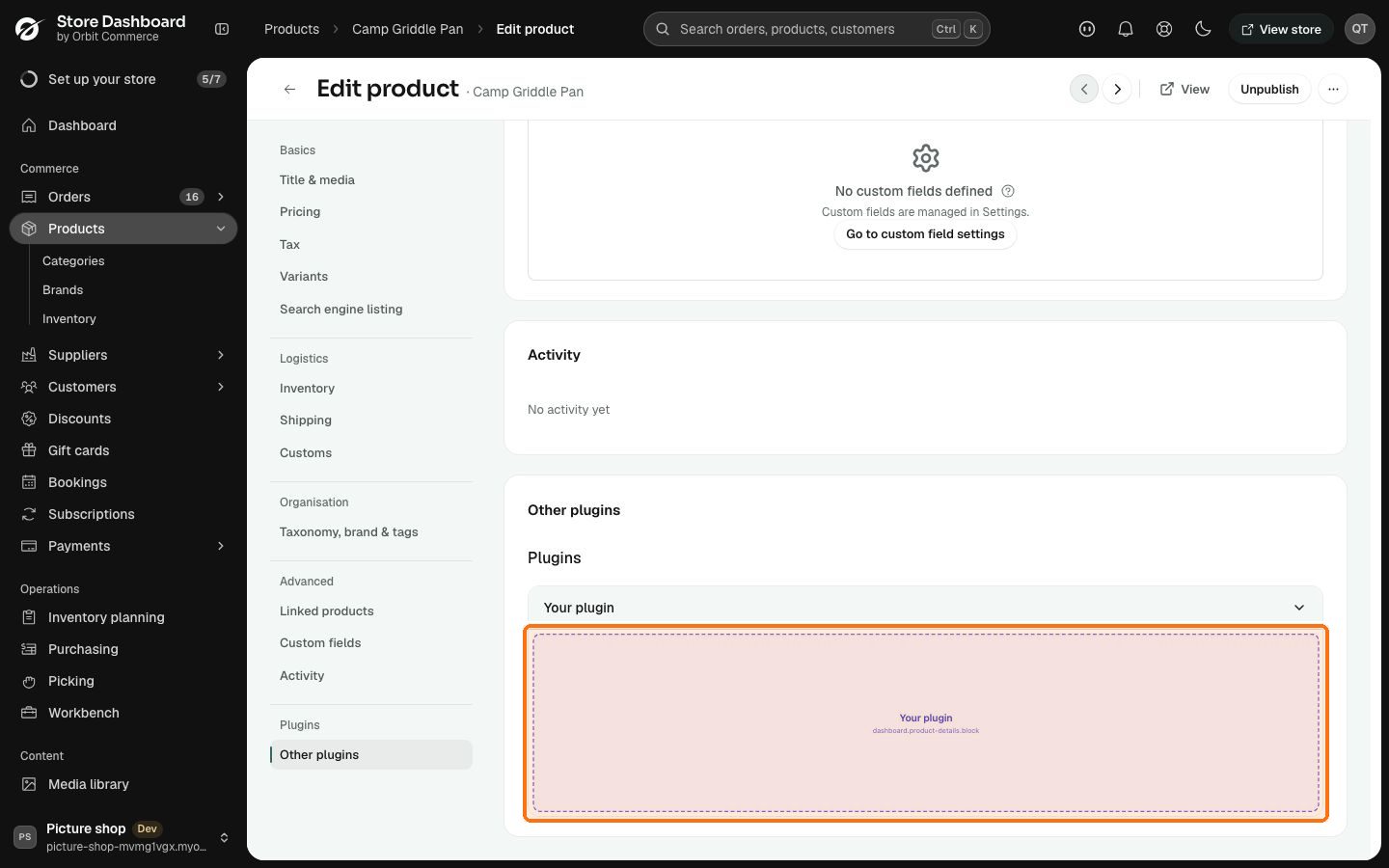
| Detail | Value |
|---|---|
| In the address | storeId, theme, resourceType, resourceId |
| In the token message | storeId, resourceType, resourceId |
Needs a handle | No |
| Placeable | No |
| Starter that shows it | product-card. |
Product page action
dashboard.product-details.action: a modal. An action in the product edit page's More actions menu, opened in a modal.
| Detail | Value |
|---|---|
| In the address | storeId, theme, resourceType, resourceId |
| In the token message | storeId, resourceType, resourceId |
Needs a handle | No |
| Placeable | No |
Product variants block
dashboard.product-variants.block: a block. A block above the variant table on the product editor's Variants tab.
| Detail | Value |
|---|---|
| In the address | storeId, theme, resourceType, resourceId |
| In the token message | storeId, resourceType, resourceId, optionIds |
Needs a handle | No |
| Placeable | No |
Product list action
dashboard.product-index.action: a modal. An action in the product list page header, opened in a modal.
| Detail | Value |
|---|---|
| In the address | storeId, theme |
| In the token message | storeId |
Needs a handle | No |
| Placeable | No |
Product list bulk action
dashboard.product-index.selection-action: a modal. A bulk action on the products selected in the product list, opened in a modal with the selected ids.
| Detail | Value |
|---|---|
| In the address | storeId, theme |
| In the token message | storeId, selectedIds, selectedCount, truncated |
Needs a handle | No |
| Placeable | No |
Order page block
dashboard.order-details.block: a block. A block on the order detail page.
| Detail | Value |
|---|---|
| In the address | storeId, theme, resourceType, resourceId |
| In the token message | storeId, resourceType, resourceId |
Needs a handle | No |
| Placeable | No |
Order page action
dashboard.order-details.action: a modal. An action in the order detail page's More actions menu, opened in a modal.
| Detail | Value |
|---|---|
| In the address | storeId, theme, resourceType, resourceId |
| In the token message | storeId, resourceType, resourceId |
Needs a handle | No |
| Placeable | No |
Order list action
dashboard.order-index.action: a modal. An action in the order list page header, opened in a modal.
| Detail | Value |
|---|---|
| In the address | storeId, theme |
| In the token message | storeId |
Needs a handle | No |
| Placeable | No |
Order list bulk action
dashboard.order-index.selection-action: a modal. A bulk action on the orders selected in the order list, opened in a modal with the selected ids.
| Detail | Value |
|---|---|
| In the address | storeId, theme |
| In the token message | storeId, selectedIds, selectedCount, truncated |
Needs a handle | No |
| Placeable | No |
Customer page block
dashboard.customer-details.block: a block. A block on the customer detail page.
| Detail | Value |
|---|---|
| In the address | storeId, theme, resourceType, resourceId |
| In the token message | storeId, resourceType, resourceId |
Needs a handle | No |
| Placeable | No |
Customer page action
dashboard.customer-details.action: a modal. An action in the customer detail page's header menu, opened in a modal.
| Detail | Value |
|---|---|
| In the address | storeId, theme, resourceType, resourceId |
| In the token message | storeId, resourceType, resourceId |
Needs a handle | No |
| Placeable | No |
The shop
Shop product page widget
storefront.product.widget: a block in the shop. A block shoppers see on the shop's product page, such as reviews or ratings. The merchant places it in the page builder.
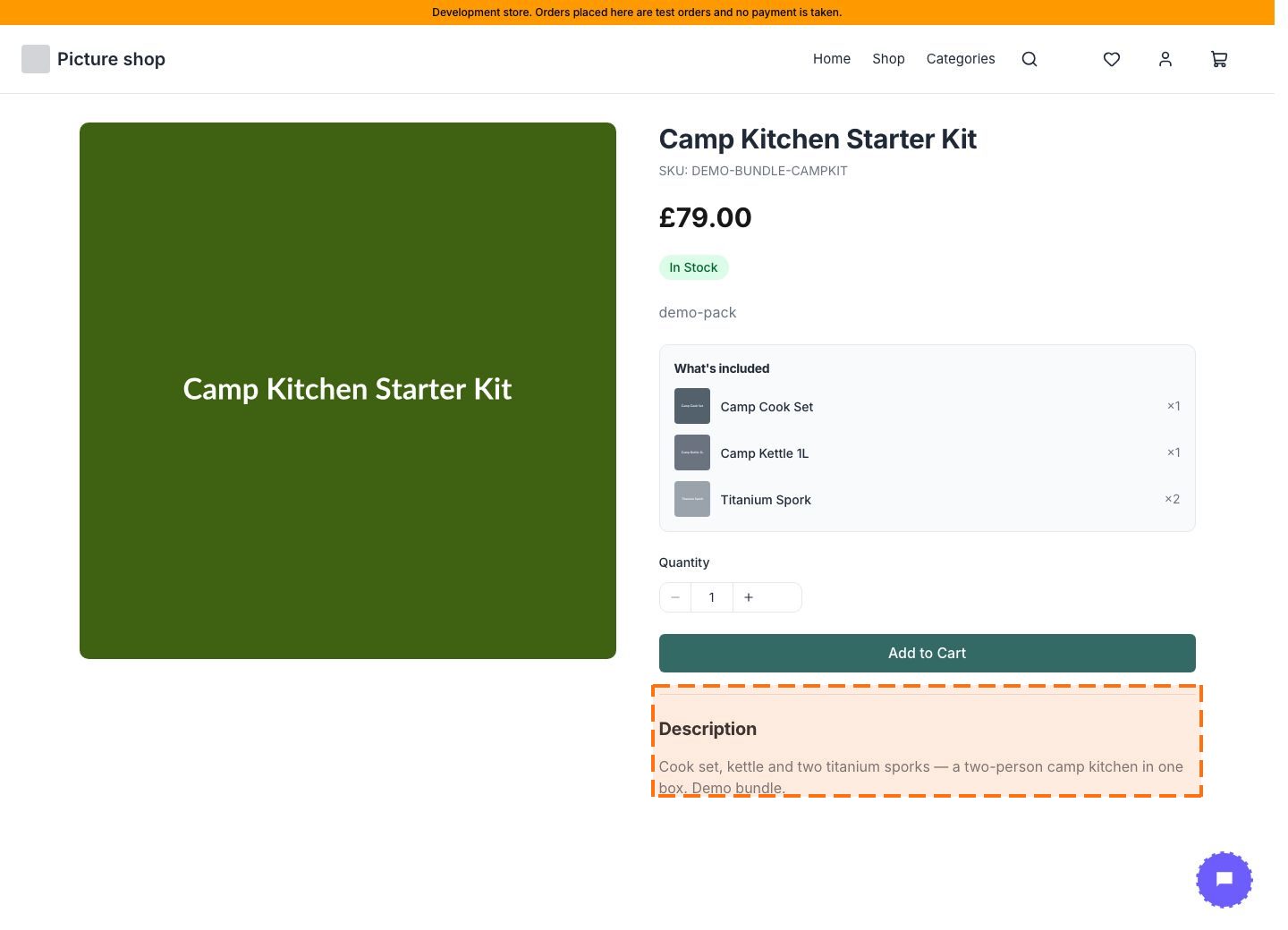
| Detail | Value |
|---|---|
| In the address | storeId, productId, variantId, theme |
Needs a handle | No |
| Placeable | Yes, in the page builder |
| Starter that shows it | storefront-widget. |
Shop cart widget
storefront.cart.widget: a block in the shop. A block shoppers see on the cart page or in the cart drawer. The merchant places it in the page builder.
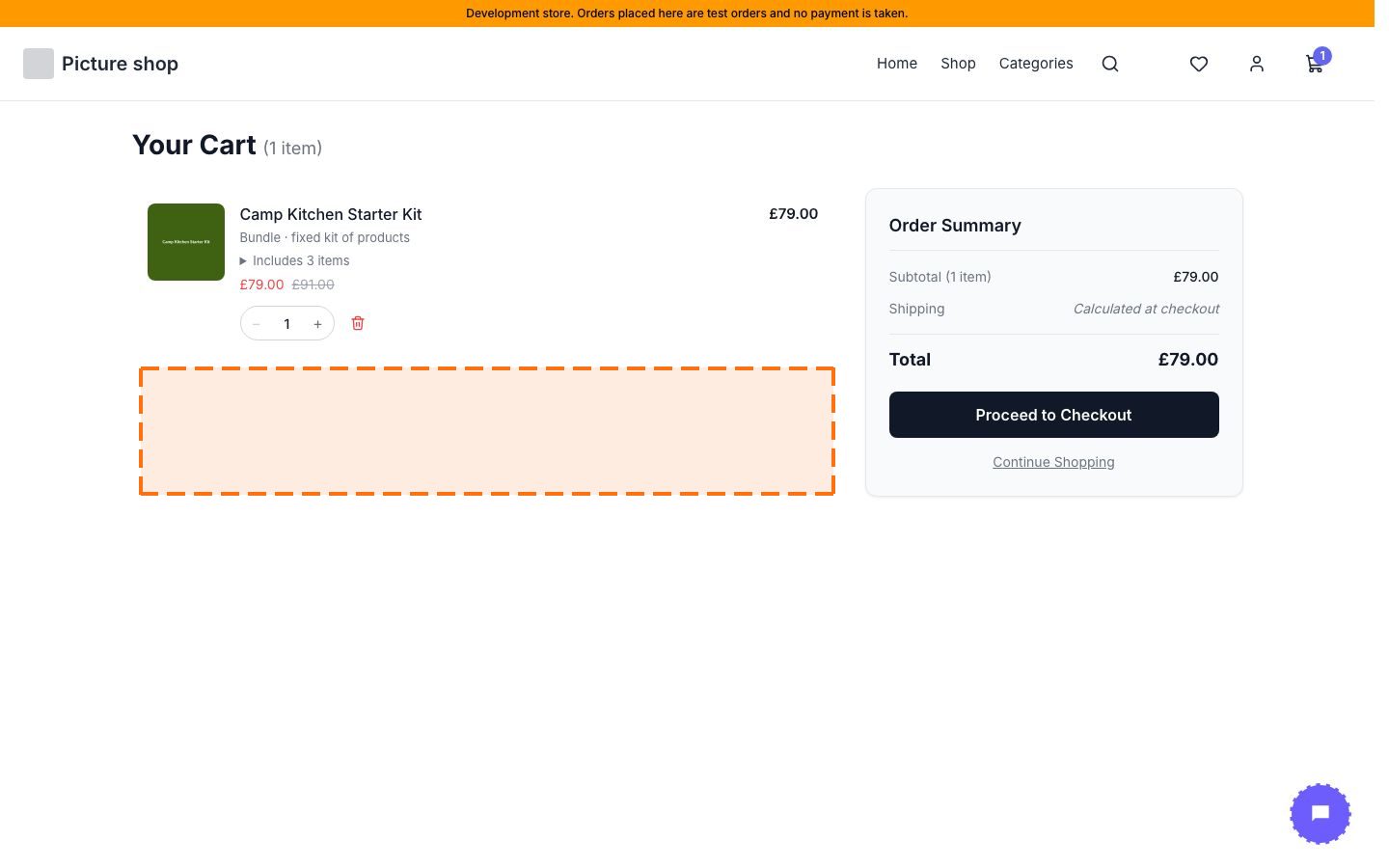
| Detail | Value |
|---|---|
| In the address | storeId, cartId, theme |
Needs a handle | No |
| Placeable | Yes, in the page builder |
Shop page block
storefront.page.block: a block in the shop. A block the merchant can place on any shop page in the page builder.
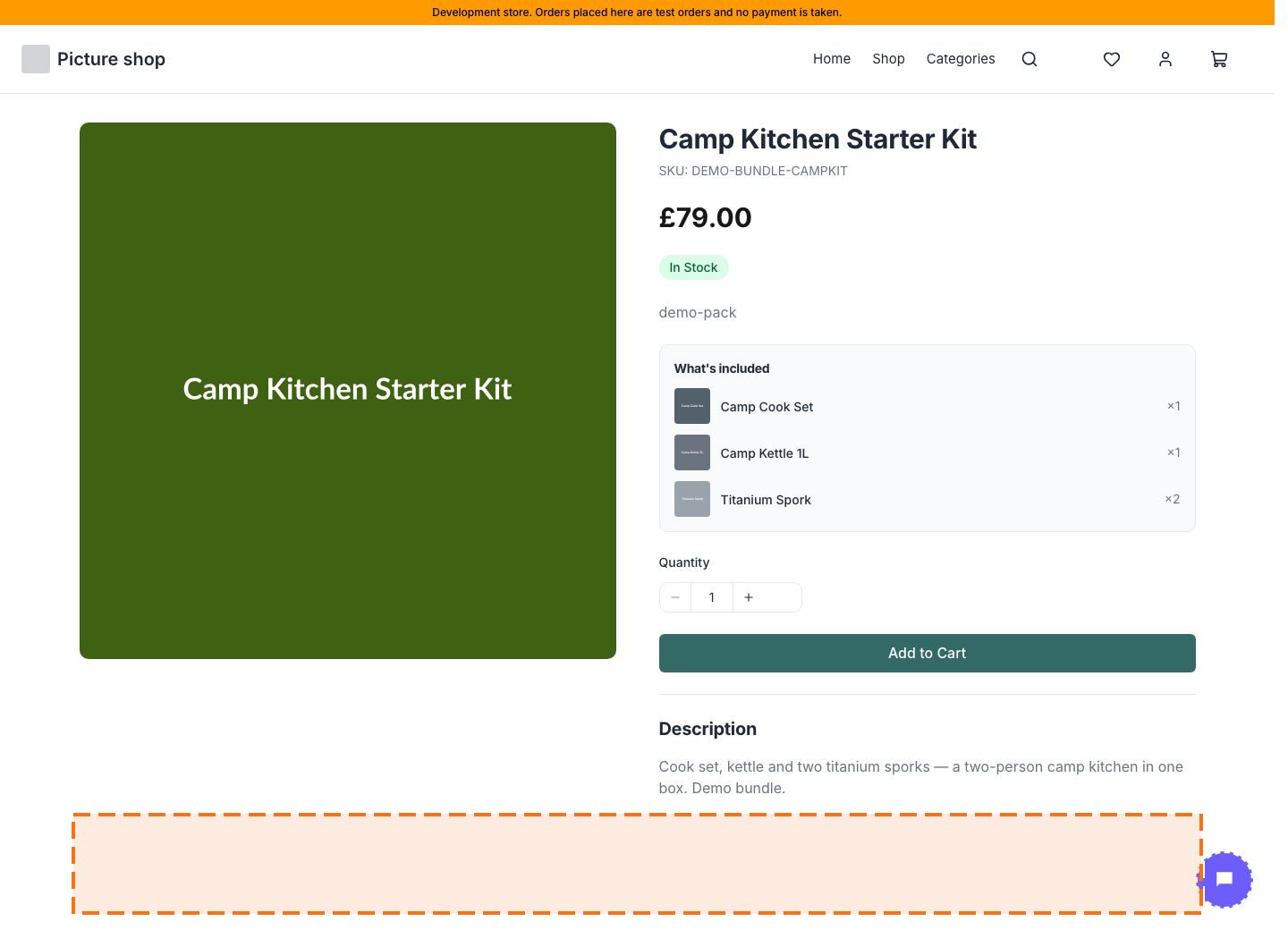
| Detail | Value |
|---|---|
| In the address | storeId, pageHandle, theme |
Needs a handle | No |
| Placeable | Yes, in the page builder |
Shop account section
storefront.account.section: a page in the shop. A page in the shopper's account area, served at /account/<handle> inside the account layout and listed in the account menu with the extension point's label and icon while the plugin is active. pageHandle is account/<handle>.
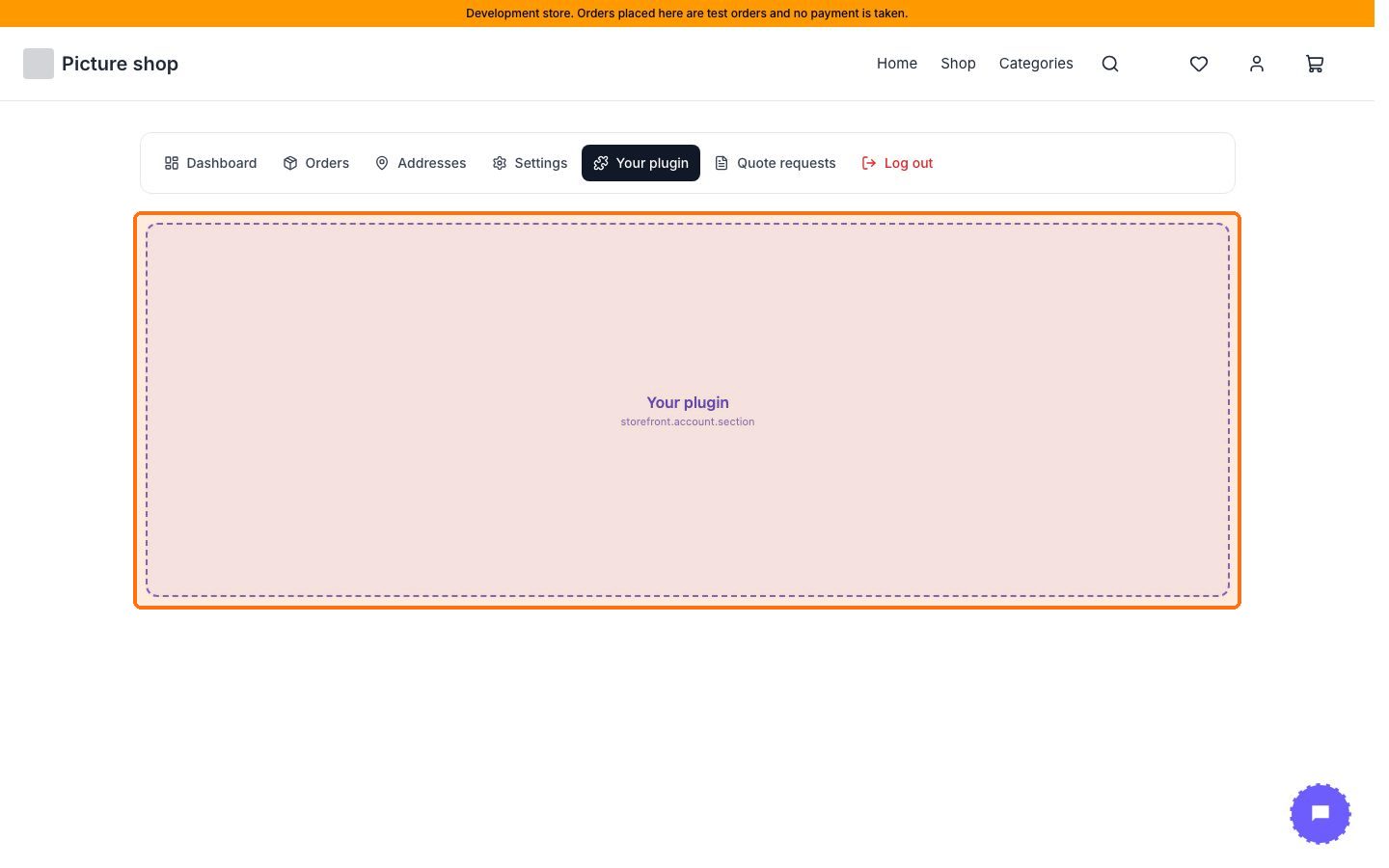
| Detail | Value |
|---|---|
| In the address | storeId, theme, pageHandle |
Needs a handle | Yes: 2 to 40 lowercase letters, digits or hyphens, starting with a letter, and not the name of a core account page |
| Placeable | No |
Shop-wide embed
storefront.global.embed: an overlay in the shop. The shop's layout puts your page in a frame over the whole window, on every page. The frame is hidden from assistive technology and lets every click through to the shop underneath, so it suits decoration such as falling snow or confetti, not anything a shopper needs to click. The merchant does not place it, and it is not shown while the plugin's enabled setting is false.
| Detail | Value |
|---|---|
| In the address | storeId, plus each of the plugin's settings intensity, color, birthday, date, dates, always, size and duration that is set. There is no theme. |
Needs a handle | No |
| Placeable | No |
On the server
Cart adjustments
function.cart.adjustments: a server call, no frame. Orbit posts the cart to your address each time the cart's contents change, and again when checkout works out the totals; at checkout the call also carries the customer's country and state. Your plugin answers with every adjustment line it wants on the cart, such as a fee or a surcharge, each with your own id for it, a label, an amount, a quantity and whether it is taxable. Orbit adds, updates and removes lines to match the answer.
Each adjustment is a line of the cart, and later of the order, with your label and amount, and it counts in the subtotal. The shopper cannot change or remove it. Discounts, shipping and free-shipping thresholds are worked out on the goods alone. Orbit waits at most 500 ms for an answer. The target has no page of its own, so there is no picture.
| Detail | Value |
|---|---|
| Context | None in an address: the cart arrives in the request body |
| Scope | cart:adjust: Orbit calls only a plugin that holds it |
Needs a handle | No |
| Placeable | No |
Next
- Quickstart: your first plugin in ten minutes makes a plugin on the
dashboard.main.embedtarget in a few commands. - Storefront widgets covers the shop targets: the bridge, sizing, the shopper's token and shop domains.
- The orbit-plugin tool lists the targets from the command line.